1
2
4
3
5
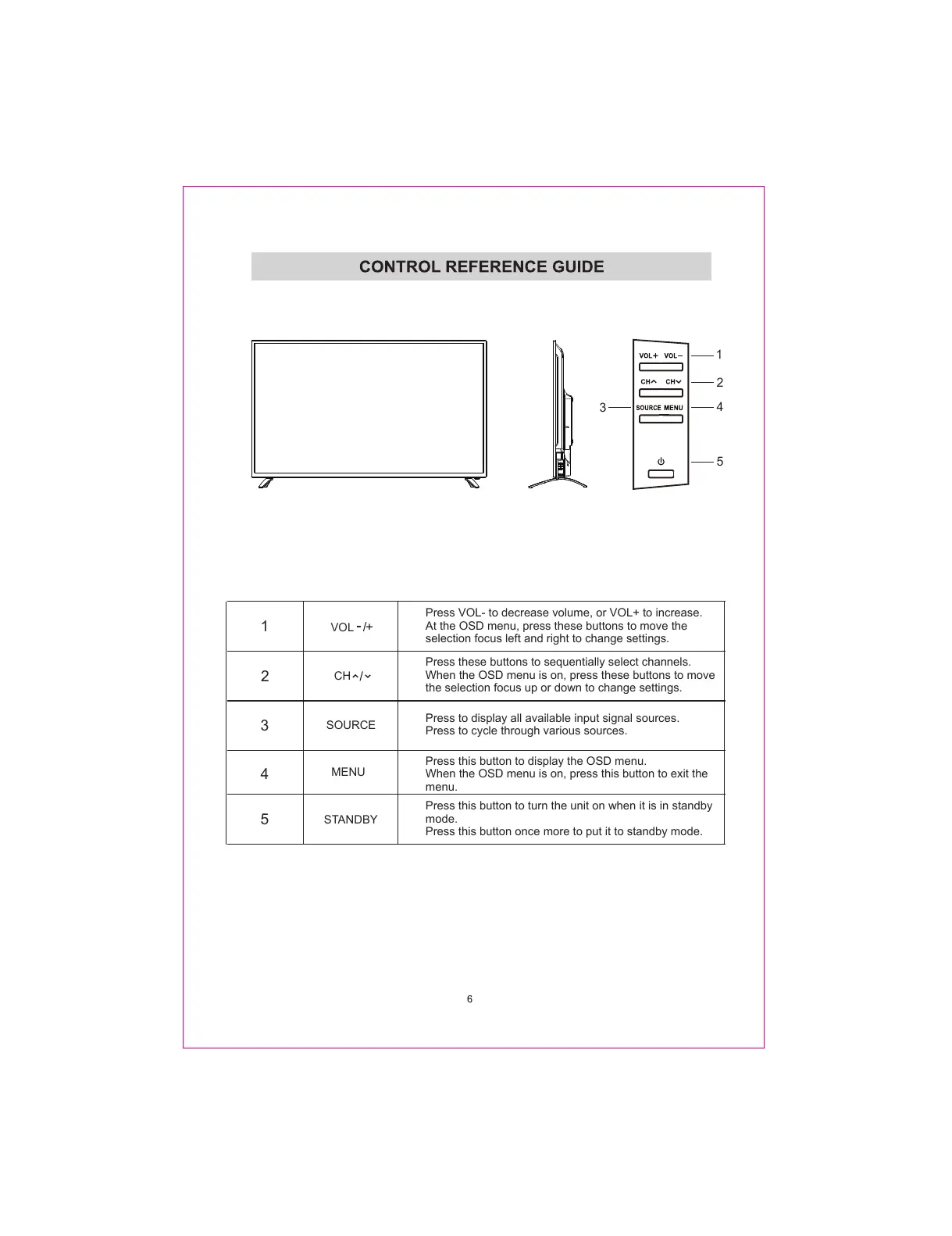
Press these buttons to sequentially select channels.
When the OSD menu is on, press these buttons to move
the selection focus up or down to change settings.
CH
Press VOL- to decrease volume, or VOL+ to increase.
At the OSD menu, press these buttons to move the
selection focus left and right to change settings.
VOL
Press to display all available input signal sources.
Press to cycle through various sources.
SOURCE
Press this button to turn the unit on when it is in standby
mode.
Press this button once more to put it to standby mode.
STANDBY
1
2
3
4
5
Press this button to display the OSD menu.
When the OSD menu is on, press this button to exit the
menu.
MENU



 To Next Page