3
2
User guide
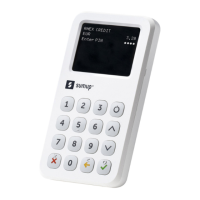
SumUp 3G / SumUp 3G Printer
quick-start guide
1 Turn on the card reader
Turn on the card reader and select your
preferred language.
2 Connect
Follow the instructions on the screen to connect
to a WiFi network or skip the step to automatically
connect to the mobile network.
Note: due to security reasons, your card reader
can only connect to password-protected WiFi
networks.
3 Log in
Enter your SumUp details (email address
and password) using the touchscreen keyboard.
4 All set!
You are ready to accept card payments.
More information
Go to our Support Centre:
help.sumup.com/hc/en-gb
Or contact us:
sumup.co.uk/contact
If you haven’t already, create
a prole on sumup.me
SumUp Pro / SumUp Pro Printer
quick-start guide
1 Turn on the card reader
Turn on the card reader and select your
preferred language.
2 Connect
Follow the instructions on the screen to connect
to a WiFi network or skip the step to automatically
connect to the mobile network.
Note: due to security reasons, your card reader
can only connect to password-protected WiFi
networks.
3 Log in
Enter your SumUp details (email address
and password) using the touchscreen keyboard.
4 All set!
You are ready to accept card payments.
More information
Go to our Support Center:
help.sumup.com/hc/en-us
Or contact us:
sumup.com/contact-us
If you haven’t already, create
a prole on sumup.me
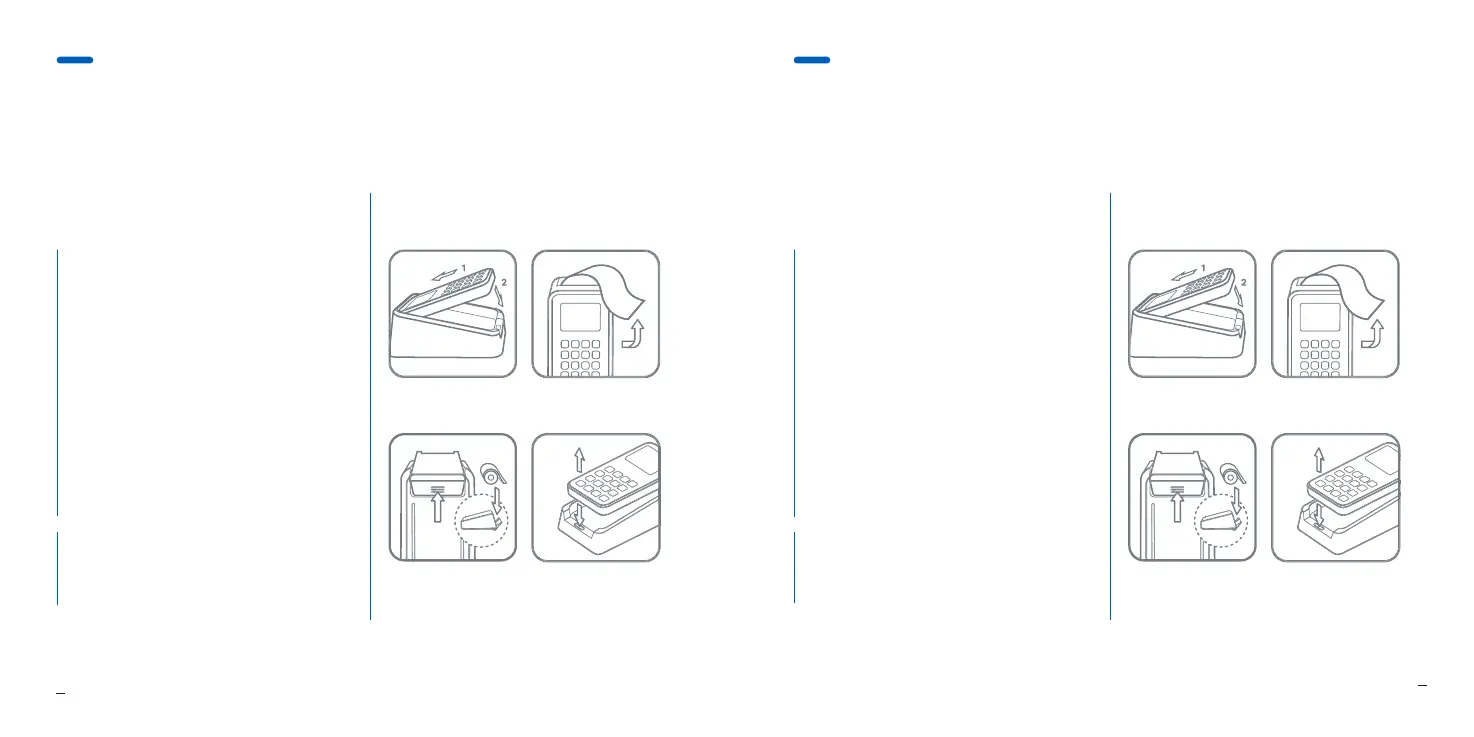
Attach the card reader
Push down on the
ridges to replace
the paper roll
Remove receipts
by tearing upward
Press the button to lift
the card reader out
SumUp 3G Printer
Attach the card reader
Push down on the
ridges to replace
the paper roll
Remove receipts
by tearing upward
Press the button to lift
the card reader out
SumUp Pro Printer


 To Next Page
 Loading...