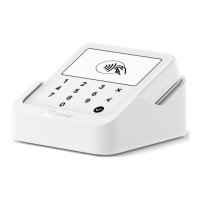
Settings and features
Tap or drag down the downward-pointing arrow at the top of your Solo’s
screen. From here, you can access a variety of features and settings for your
Solo.
Settings
About
The "About" section contains information about your Solo and SumUp profile,
including your Merchant ID, the device’s serial number, and your current
software version.
You can also log out of your SumUp profile from here by selecting "Log out"
and then hitting "Log out" again to confirm.
Software update
From here you can check your current software version and download updates
to keep your Solo running at its full potential.
Display & Brightness
Here, you can change display brightness and choose how long your Solo will
remain unlocked while not in use.


 To Next Page