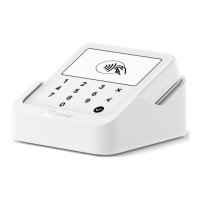
Access my sales history on the 3G Card Reader
1. Press the arrow keys up or down on your SumUp 3G to enter the
menu.
2. Use the arrow keys to go to "Transaction history" and press the
green tick.
3. You'll then be able to view your transactions, beginning with the
most recent.
4. Select an individual transaction by scrolling to it and pressing the
green tick.
Be aware your 3G Reader can only show transactions processed using the
3G. Check the app or your SumUp profile for a full list.
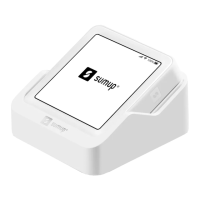
Access my sales history with the Solo
1. Log in to your Solo and tap or drag down the arrow at the top of the
screen.
2. Hit “Sales history”.
3. Select the relevant transaction by tapping on it.


 To Next Page