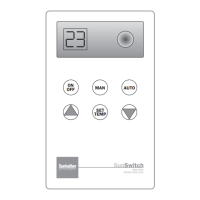
Select The Desired Temperature:
Press the SET TEMP button down and scroll up or
down with the arrow buttons until the desired pool
temperature is displayed.
The display reverts back to reading the pool water
temperature after 5 seconds.
The pool set temperature can be read anytime by
pressing the SET TEMP button.
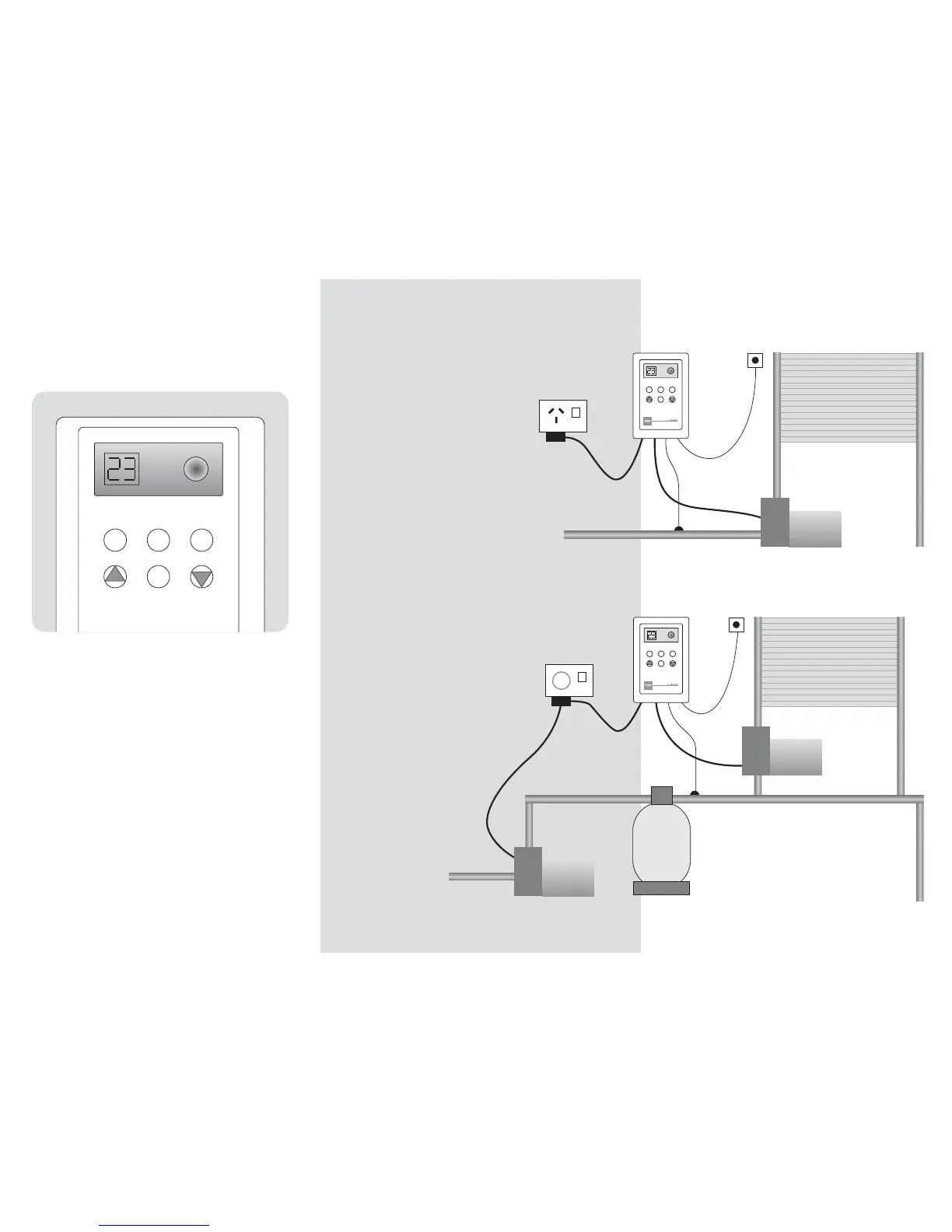
SETTING THE TEMPERATURE
OPTION 1: MOST NEW POOLS
SEPARATE SOLAR PIPE SYSTEM
OPTION 2: EXISTING POOLS
TAPPED INTO FILTRATION SYSTEM
Roof
Sensor
From Pool
Return
to Pool
Pool
Sensor
230 V
SOLAR
PUMP
Solar
Collector
SET
TEMP
ON
OFF
MAN AUTO
Roof
Sensor
Time Clock
From Pool
Return
to Pool
Pool
Sensor
230 V
SOLAR
PUMP
Solar
Collector
POOL
PUMP
POOL
FILTER
SET
TEMP
ON
OFF
MAN AUTO
INSTALLATION INSTRUCTIONS
Step 1
Fix wall mounting bracket on
a vertical wall protected from
direct rain and sun.
Step 2
Locate Roof Sensor (15.0m) on
separate solar pad fixed adjacent
to the solar collector.
This pad must receive similar
sun to the solar collector but
not be in contact with it.
Step 3
Install the threaded pocket well into
a section of pipework before the
solar collector take-off and insert
the Pool Sensor (1.8m) into the well.
Step 4
Connect both Roof (red) and
Pool (blue) sensors to the
colour-matching connections
on the controller.
Slide unit into
mounting bracket.
Step 5
Plug in solar circulation
pump and switch ON.
Notes:
1. Joins in sensor cables must be soldered and waterproofed.
2. Option 2 requires the Time Clock to be set for daylight hours.
3. For any repairs, return to the supplier.


 To Previous Page
 Loading...