2
3
1
2
5
6
7
9
8
10
3
4
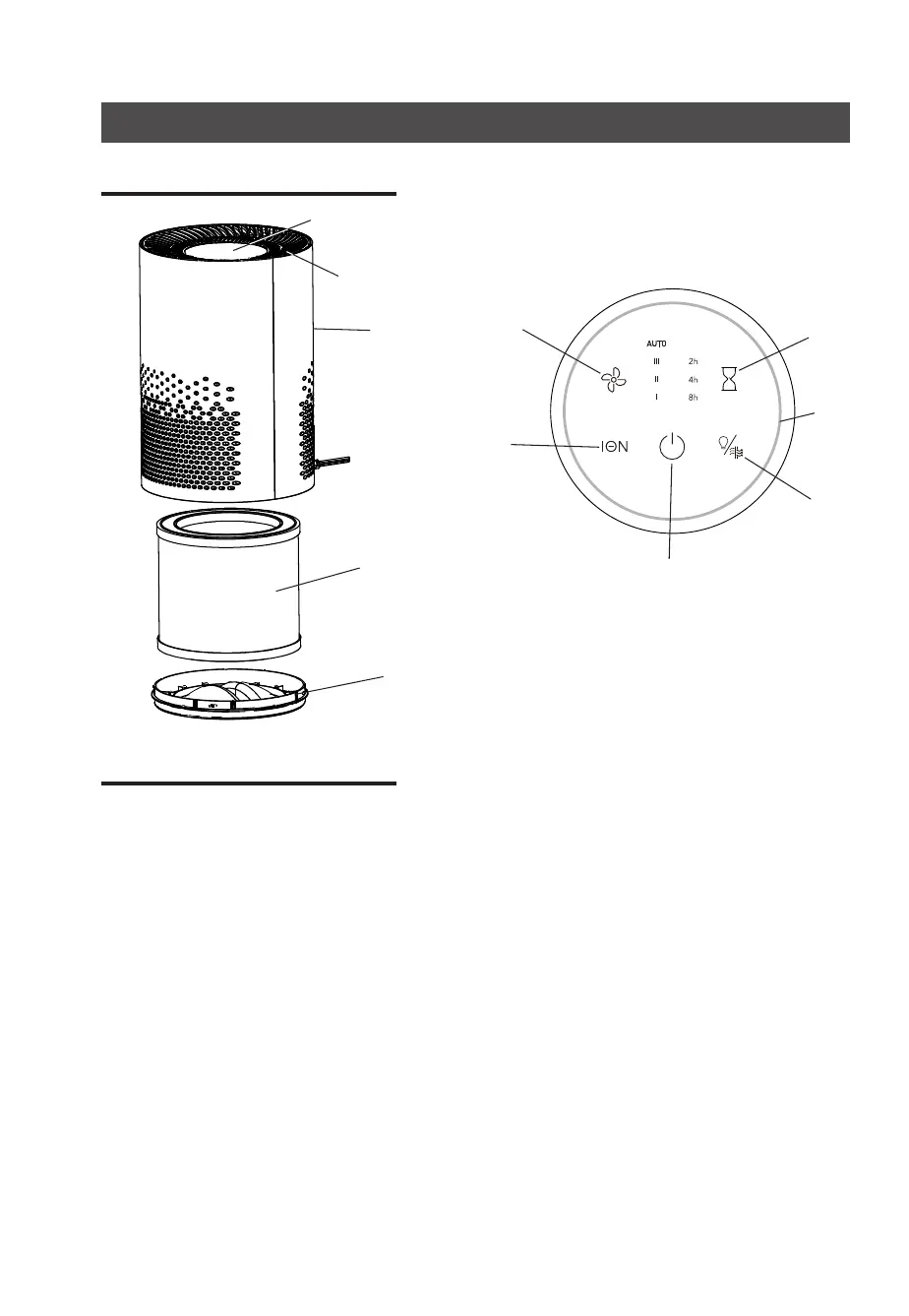
5. Fan speed settings
6. Ioniser
7. On/off button
8. Air quality indicator light/
Filter replacement indicator
9. Timer
10. Air quality indicator
11. Air Quality Sensor
Compartment Door
1. Control panel
2. Filtered air outlet
3. TrueHEPAlter
4. Bottom cover
On/Off button
Turns unit on or off.
Fan speed settings
Adjusts the speeds between I (low), II, III
(high), Auto.
Auto mode automatically adjusts the speed
to improve the air quality in the room.
Ioniser
Turns the ioniser on and off depending on
your preference.
Timer
Sets a timer for 2, 4 or 8 hours.
Air Quality Indicator light On/Off
Toggle On/Off.
Filter replacement indicator
When its time to replace your Filter, the Air
QualityIndicatorwillturnredandash,(Air
Quality Indicator is the “ring light around
outside of Control Panel)
TheFilterIndicatorButtonwillashalso,
(Press and hold for 3 seconds to reset,
whenyouchangelter)
Air Quality Indicator
Indicates the surrounding air quality.
Colour of light Air Quality
Blue Good
Yellow Fair
Red Poor
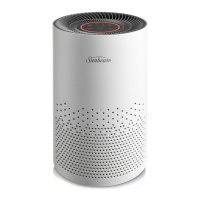
Get to know your air purifier Control panel and features
MAIN UNIT
TOP VIEW / CONTROL PANEL
11


 To Next Page