BTSPEAKER 5 05/17/16
Speaker Identification
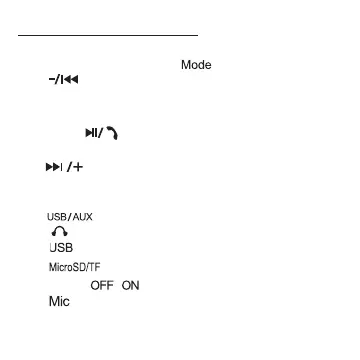
1. 5-Color changing indicator light.
2. Press once to change “ “ (FM-TF-AUX-BT).
3. “ ” Plays previous song & Volume down.
Press once to play previous song,
Press and hold down to decrease volume.
4. Press “ ” to listen to music
or answer incoming call.
5. “ ” Plays next song & Volume up.
Press once to play next song,
Press and hold down to increase volume.
6. “ ” Micro USB Charging/AUX Port.
7. “ “ 3.5mm headphone port.
8. “ “ USB port to play music.
9. “ “ Micro SD/TF CARD interface.
10. Power “ ” switch.
11. “ ” Microphone.



 To Next Page