!"#$%&'%(1%
%
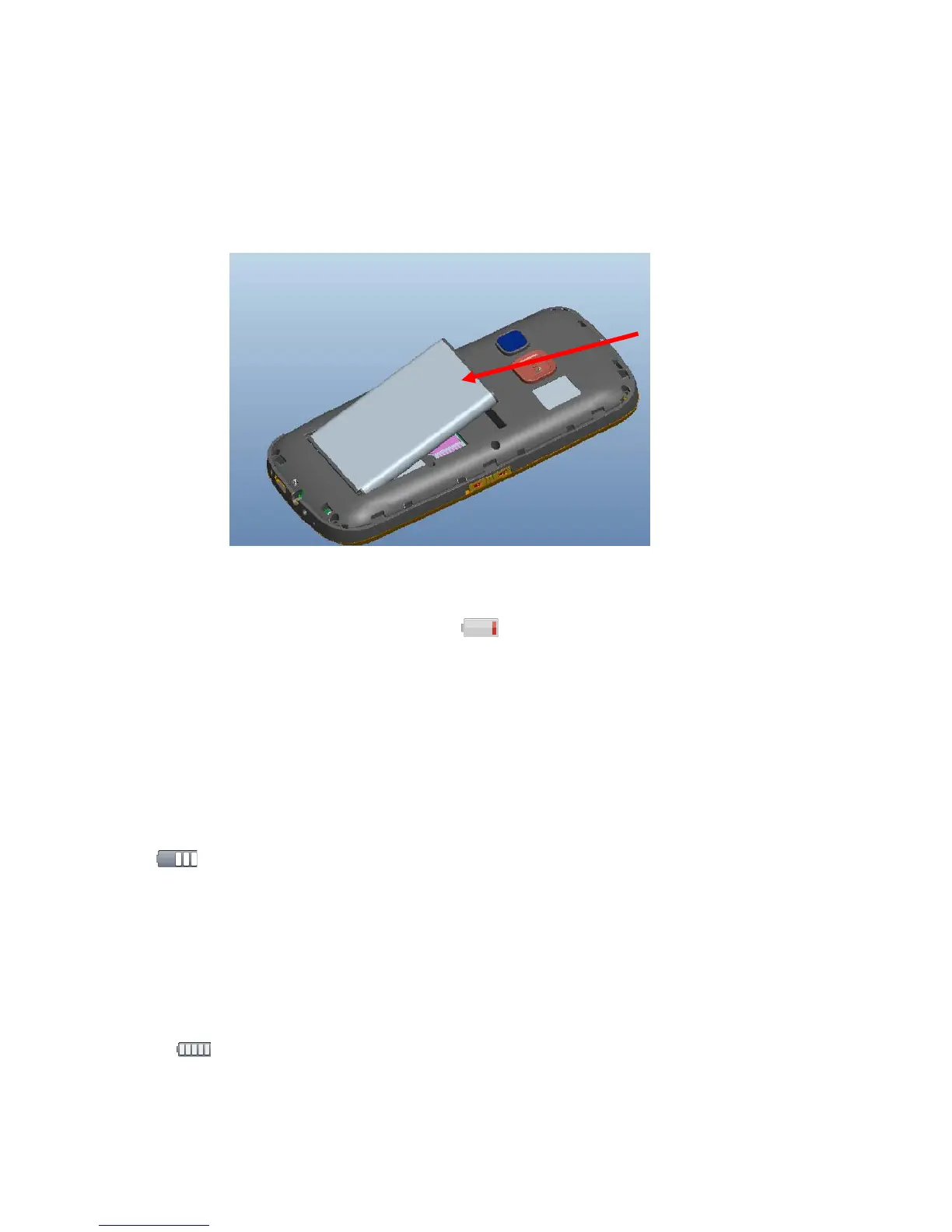
2˅When installing, please act as follow. A: The metal contacts must face
each other and then press down the battery until it settles. See as 3-4
3-4
3˅When the battery is running low, is displayed and a warning signal is
heard.
Charging
1˅To charge the battery; connect the main adapter to the wall socket and the
other part to the charging socket of the phone.
2˅ will be displayed when the charger is connected to the phone.
3˅The battery charge indicator will remain while charging.
If the phone is turned off when the charger is connected to the phone only
the battery charge status indicator will be shown in the display.
3˅ will be displayed when charging is completed.
Take out the 2"33$45%



 To Next Page