20
-Recovery mode uSUN300
How to enter in Recovery Mode.
Please, follow these steps.
1-To enter in the recovery mode first you should power off the
device,
Then long-press the “ON-OFF” key and “VOL +” Key at the same time
until the Internal menu.
Recovery Mode : <<==
Fastboot Mode :
Normal Mode :
With the key “VOL +” select the Recovery Mode option and then
push the “VOL –“ to select.
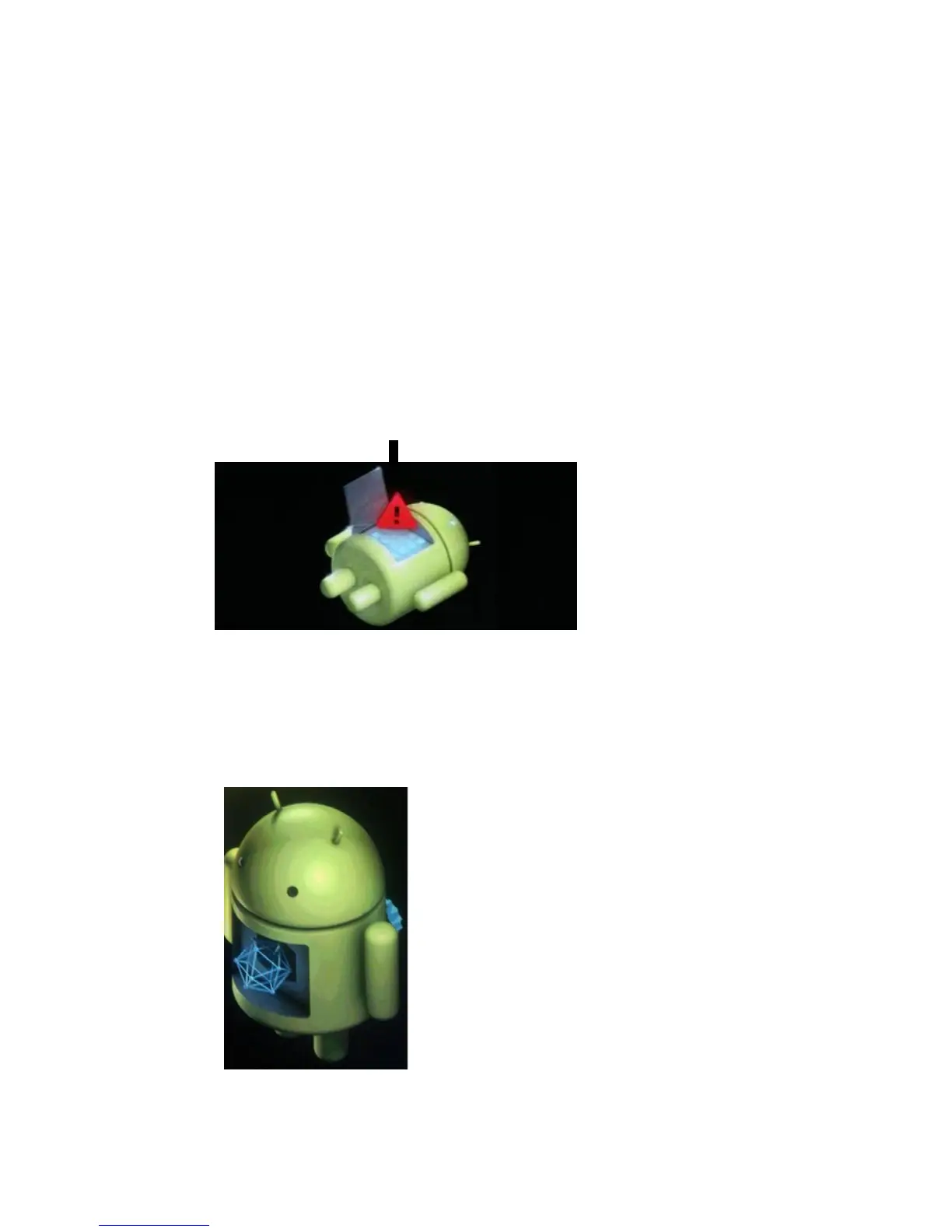
Android has appeared:
2-Push the “Power” and appears other menu.
With “vol –“ key select “wipe data / factory reset” then press “Vol
+” .
3- Select “ Yes delete all user data ” with the “Vol –“ Key and then
press
“VOL +” to select.
Android-appeared.
4- When it finishes select “reboot system now” press the “VOL
+ "button and the unit will re-start itself. (this process may last for a
few minutes)



 To Next Page