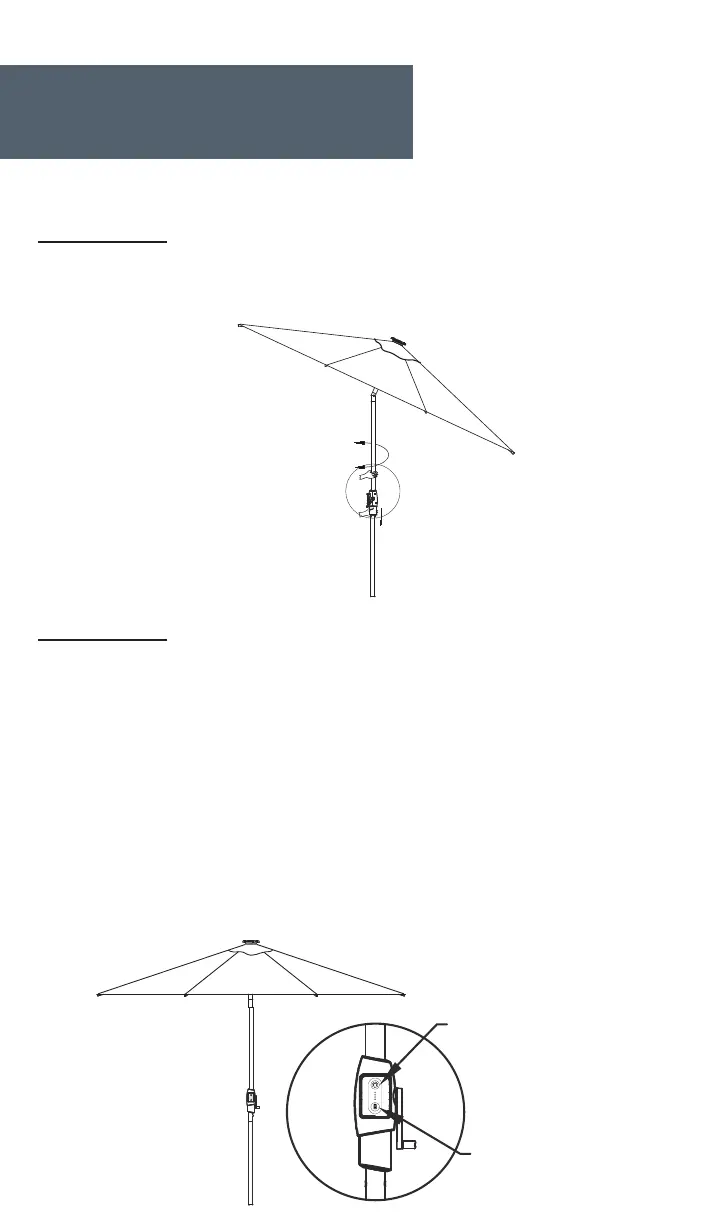
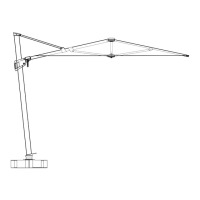
Pull down the collar to rotate the umbrella 360 degrees. Stop at the desired
position and release the collar.
Step 6 - 360 Degrees Rotation
Assembly (cont.)
7
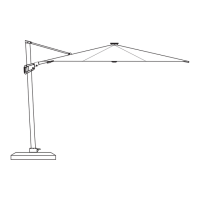
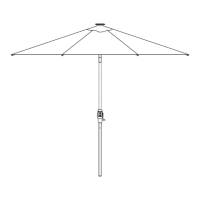
Step 7 - Solar Lights
Light Control Button
Power Display Button
Press the Light Control Button located on the battery pack to turn on the solar
lights. Continue to press this button to adjust the light brightness. Press and hold
the button for 2 seconds to turn o the solar lights.
Press the Power Display Button to display the current battery charge.
Note: The umbrella must be fully charged before first use. It can be charged with 8
hours of sunlight or 5 hours with the included AC adapter.
The battery can be discharged if it is left uncharged for a long period of time.
Failure to charge the battery will result in dim lighting.
For normal operation, turn o the LED's when not in use, and to charge the batteries
in the daytime via the solar panel.


 To Next Page