Restore factory default parameter
● Long press ◀ and ▶ key for 2s, restore factory default parameter, display"RES".
● Factory default parameter: DMX decode mode, DMX first address is 1, four channel decode,
high PWM frequence output, logarithmic brightness curve, RGB mode number is 1,
dimmer mode number is 1, disable automatic blank screen.
Stand-alone dimmer mode
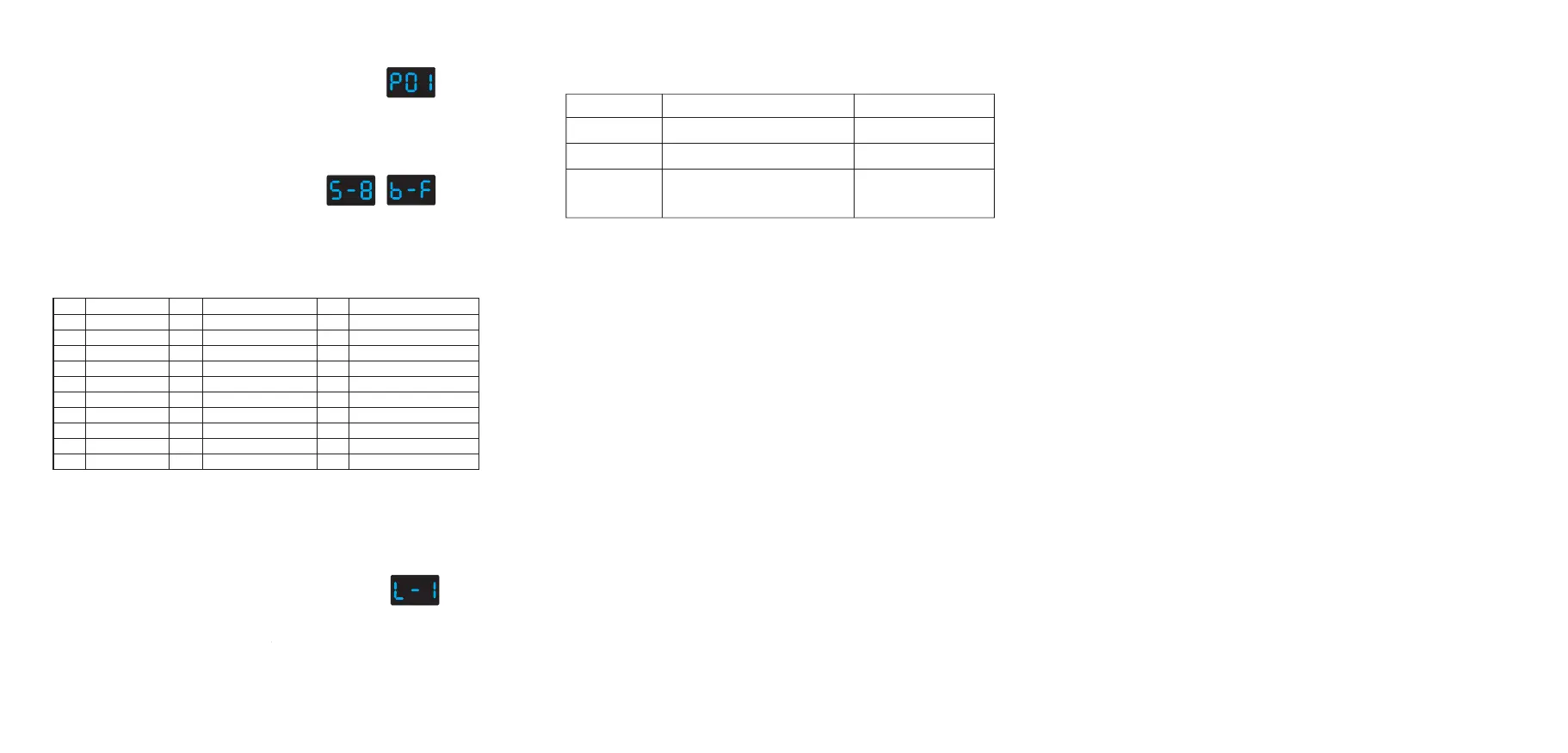
● Short press M key, when display L-1~L-8, enter stand-alone dimmer mode.
● Press ◀ or ▶ key to change dimmer mode number(L-1~L-8).
● Each dimmer mode can adjust each channel brightness independently.
Long press M key for 2s, prepare for setup four channel brightness.
Short press M key to switch four channel(100~1FF, 200~2FF, 300~3FF, 400~4FF).
Press ◀ or ▶ key to setup brightness value of each channel.
Long press M key for 2s, or timeout 10s, quit setting.
● Enter stand-alone dimmer mode only when DMX signal
is disconnected or lost.
Stand-alone dimmer mode
(L-1~L-8)
Safety information
1. The product shall be installed and serviced by a qualified person.
2. The product is non-waterproof. Please avoid the sun and rain.
3. Good heat dissipation will prolong the working life of the controller. Please ensure good ventilation.
4. Please check if the output voltage of any power supplies used complywith the working voltage
of the product.
5. Ensure all wire connections and polarities are correct and secure before applying power to avoid
any damages to the LED lights.
6. If a fault occurs please return the product to your supplier. Do not attempt to fix this product by yourself.
Malfunctions analysis & troubleshooting
1. Wrong connection of R/G/B/W wires.
2. DMX decode address error.
1. Reconnect R/G/B/W wires.
2. Set corrrect decode address.
Causes
Troubleshooting
1. Output cable is too long.
2. Wire diameter is too small.
3. Overload beyond power supply capability.
4. Overload beyond controller capability.
1. Reduce cable or loop supply.
2. Change wider wire.
3. Replace higher power supply.
4. Add power repeater.
1. No power.
2. Wrong connection or insecure.
1. Check the power.
2. Check the connection.
Wrong color
Malfunctions
Uneven intensity
between front and
rear,with voltage drop
No light
RGB change mode list
No.
Name
P01
P02
P03
P04
P05
P06
P07
P08
P09
P10
Static red
Static green
Static blue
Static yellow
Static cyan
Static purple
Static white
RGB jump
7 color jump
Red strobe
No.
Name
No.
Name
P11
P12
P13
P14
P15
P16
P17
P18
P19
P20
P21
P22
P23
P24
P25
P26
P27
P28
P29
P30
Green strobe
Blue strobe
White strobe
RGB strobe
7 color strobe
Red fade in and out
Green fade in and out
Blue fade in and out
White fade in and out
RGBW fade in and out
Red yellow smooth
Green cyan smooth
Blue purple smooth
Blue white smooth
RGB+W smooth
RGBW smooth
RGBY smooth
Yellow cyan purple smooth
RGB smooth
6 color smooth
Stand-alone RGB/RGBW mode
Stand-alone RGB/RGBW mode
● Short press M key, when display P01~P30,
enter stand-alone RGB/RGBW mode.
● Press ◀ or ▶ key to change dynamic mode
number(P01~P30).
● Each mode can adjust speed and brightness.
Long press M key for 2s, prepare for setup mode speed,
brightness, W channel brightness.
Short press M key to switch three item.
Press ◀ or ▶ key to setup value of each item.
Mode speed: 1-10 level speed(S-1, S-9, S-F).
Mode brightness: 1-10 level brightness(b-1, b-9, b-F).
W channel brightness: 0-255 level brightness(400-4FF).
Long press M key for 2s, or timeout 10s, quit setting.
● Enter stand-alone RGB/RGBW mode only when DMX signal is disconnected or lost.
Speed
(8 level)
Brightness
(10 level,100%)
(P01~P30)


 To Previous Page
 Loading...