1
EN
An introduction to your new
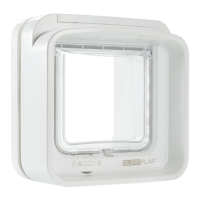
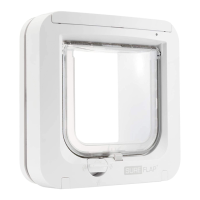
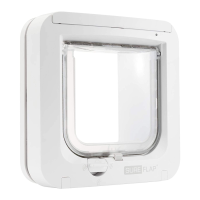
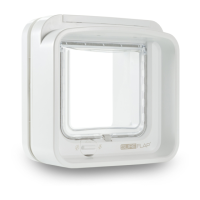
Microchip Pet Door Connect
3
Buttons
4
Display
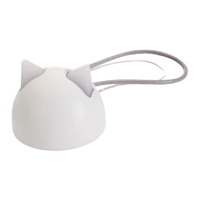
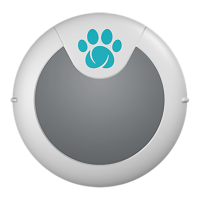
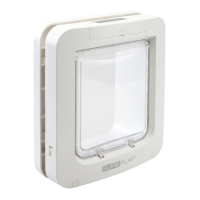
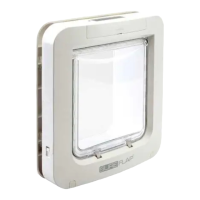
Please make sure you have all these parts:
What’s in the box?
1
Download the app and follow the setup instructions
2
Download the Sure Petcare App from the App Store or Google Play and follow the instructions for:
• Connecting your Sure Petcare product
• Adding your pets to your Microchip Pet Door Connect
Already have the Sure Petcare App? You can add your Microchip Pet Door Connect to your
existing Household by clicking it in the app menu.
A
Settings button
B
Lock mode button
C
Set the time
D
Lock time button
E
Unlock time button
F
‘Add a Pet’ button
A
Pet Door
Connect (iMPD)
B
Sure Petcare RFID
Collar Tag
C
4 x screw caps
D
4 x 30 mm screws
E
4 x 50 mm screws
F
4 x 70 mm screws
A
Time
B
Locking mode
direction - out
C
Unlock time
D
Lock time
E
Current time
F
Microchip reader enabled
G
Locking mode
direction - In
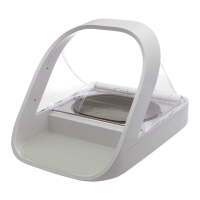
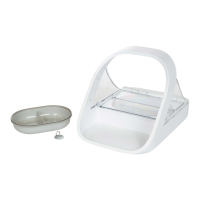
Batteries and hub are not included. For your Microchip Pet Door Connect to work
as a connected system you will need an accompanying hub. For more information
on how to purchase a hub please visit: surepetcare.com/hub.



 To Next Page