CHARGING
It is important that you that you charge your watch fully before a round of Golf. Use the
charging clip supplied to charge your Watch+.
Tip: Your watch is fully charged when the battery animation displays 100%.
When the battery is fully charged, the watch can be used for one round of Golf (5 hours).
SETTING THE TIME
From the clock screen, unlock the watch and press the menu button > scroll to Setting >
System >Time.
In this screen you can set the time manually or by GPS (recommended). To set the time
using GPS the watch must be in an outdoor area.
HOW TO UNLOCK
Hold down the SELECT/ENTER button for 2 plus seconds.
PLAYING A ROUND OF GOLF
Important Note: You must be at your golf course for the Watch+ to display your course and
other courses to display.
From the clock screen unlock the watch, press Menu button and select Play Golf. Your watch
will search for a GPS signal and pick up the 5 closest courses to your GPS location, scroll up
or down and press the Select/ Enter button to select a course. The Watch+ is also designed
to record your fitness stats during the round.
GREEN VIEW
In this mode the watch will display in real time the distance from you to the Front, Centre
& Back of the Green. This screen will display the Hole number, time and Par, to change to a
different hole, unlock the device and press the UP button.
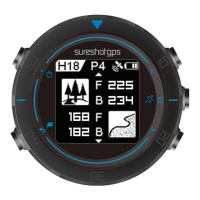
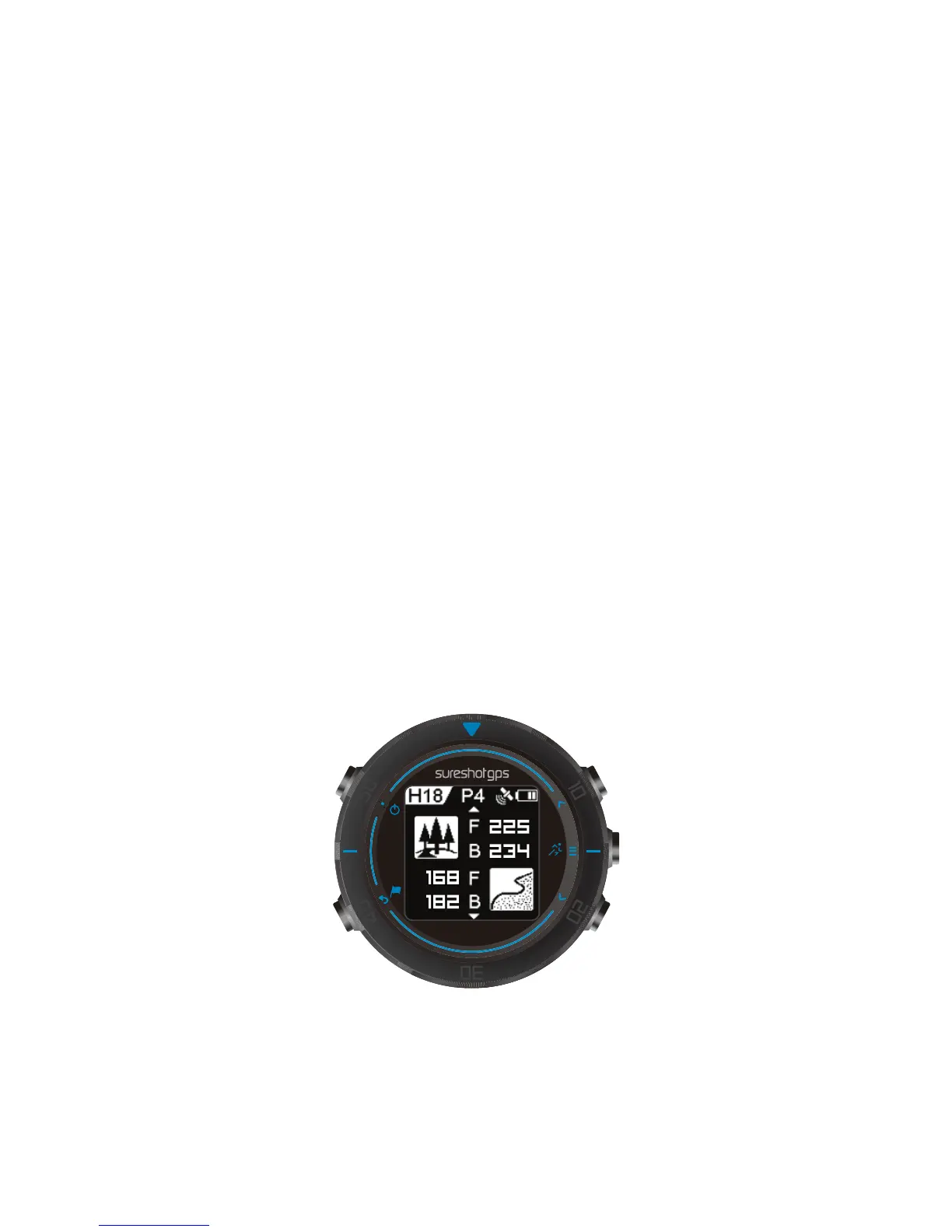
To navigate to the hazard or fitness screens, simply unlock the device and press the Enter/
Select button till you reach the preferred screen.
The watch will always default to the first hole. For shotgun starts you will need to unlock the
watch and manually scroll to the preferred hole. To navigate to the hazard or fitness screens,
simply unlock the device and press the Enter/ Select button till you reach the preferred screen.


 To Next Page
 Loading...