SPORTS MODE
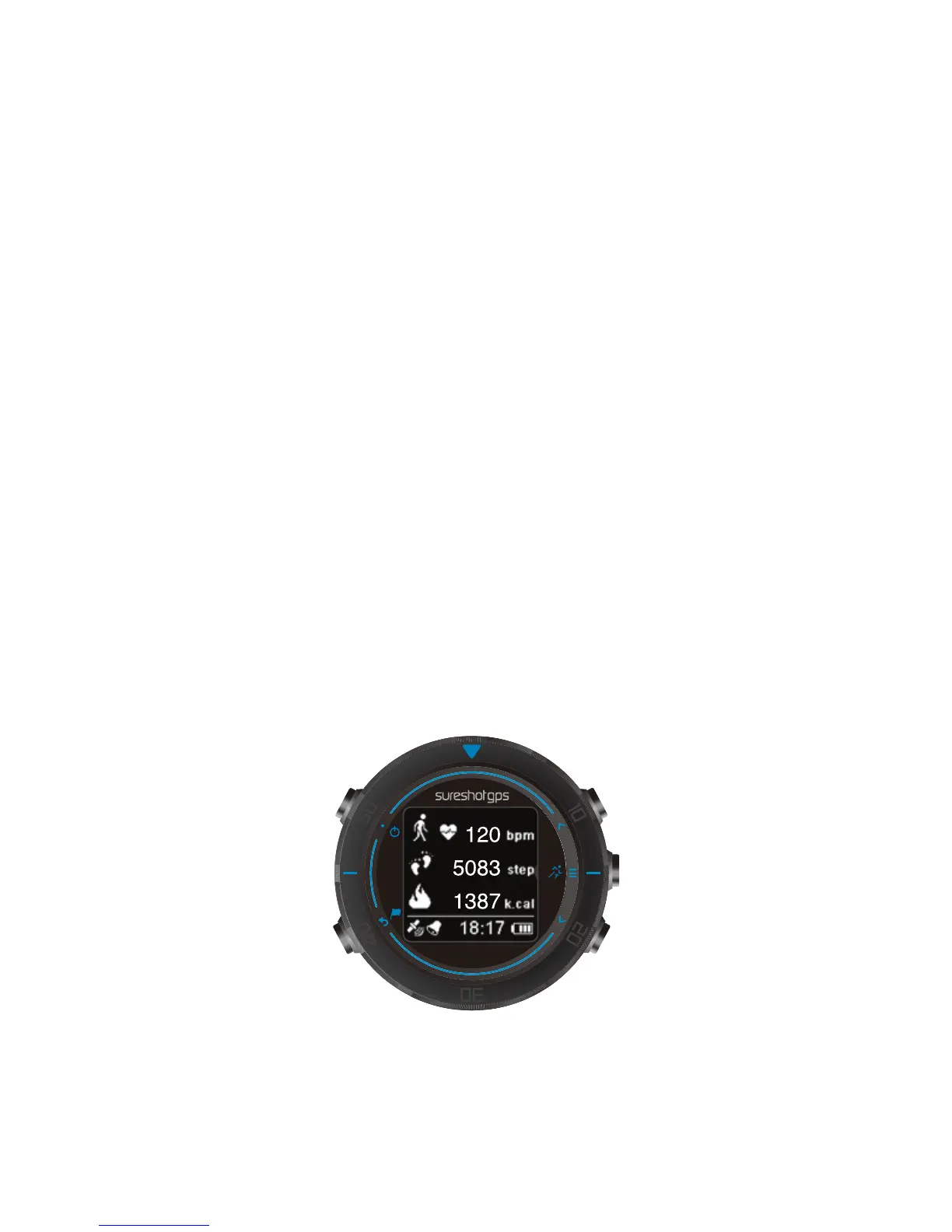
Your Watch+ has a built-in heart rate sensor to help you train more efficiently or track your
fitness in during a round of Golf. For the device to track your activity your personal stats
need to be setup on the device, you do this by unlocking the device, go to the Menu >
Settings > Personal.
The device will accurately measure your activity only if you enter the following personal
stats,
• Gender
• Age
• Height
• Weight
How the sensor works
Your heartbeat is measured by using light to measure changes in your blood flow. This
is done on the top of your wrist by shining light through the skin onto the capillaries just
below the skin and detecting the changing light reflections.
To get the best performance from the heart rate sensor make sure your watch is worn as
follows:
• Done up tightly, but not so tight that it is uncomfortable.
• Placed above the wrist bone.
Activities in Sports mode
In Sports mode the Watch+ is designed to be used for Walking or Running. To start the
activity unlock the screen, go to the Menu and choose your activity.
Important: After your workout the Watch+ will not save your activity, this feature is only
available in Golf mode.
Tip: Scroll down to view additional fitness stats.
Calorie estimation
Calories are estimated based on your gender, your weight and the intensity and duration of
the exercise.
This is not a medical device; it is intended to be a tool to provide you with information to
encourage an active and healthy lifestyle. The data and information provided by this device
are intended to be a close estimation of your activity, but may not be completely accurate.


 To Next Page
 Loading...