Sutron Corporation 8310 & 7310 Users Manual 8800-1125Rev. 2.7 (BETA) 4/16/2014 pg. 207
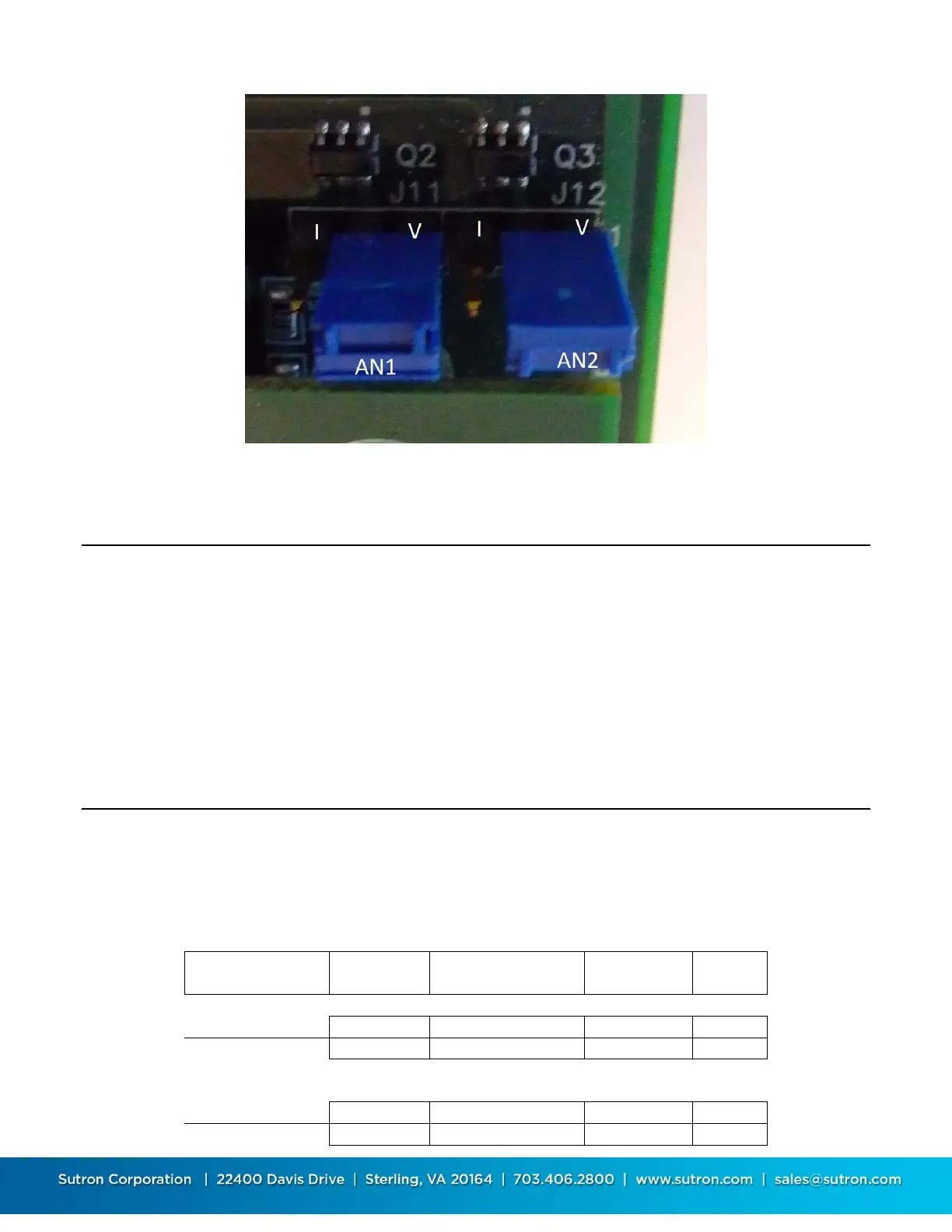
Figure 15 - J11 and J12 - AN1 and AN2 input mode jumpers 8310-O
Satellite Module Failsafe Reset
NOAA-NESDIS requires that all GOES transmitters be equipped with fail-safe circuitry. The
fail-safe circuitry is designed to prevent transmitters from jamming a channel. The fail-safe
limits both the length of transmissions and the time between consecutive transmissions.
Use the Diagnostics/SATLINK Test/Satlink Status menu to view the status which will include a
message if the failsafe is tripped. The Reset Failsafe function in the same menu will reset the
failsafe. You can also reset the failsafe by pressing the small button located on the end panel of
Satlink.
Telephone Module Jumpers
Sutron’s voice modem has the following jumpers. The modem is expecting to be powered by
Pin 9 of the serial cable. Set the comport jumper to provide 12VDC on this pin to power the
modem. See Figure 12Figure 12 - Location of COM1-3 Configuration Jumpers and Figure 13-
Comport Configuration Jumper Settings above for details.


 To Next Page
 Loading...
