n al 3 operating mode, you can press the Menu button once to
access the menu settings for that particular mode, and press
twice to display System Setting Menu
The System Setting Menu is common to all modes, See page
13 to page 14
Press UP and DOWN to scroll through the various setting
options and press 0K to select and confirm selection, Press
MENU again to exit the setting menu
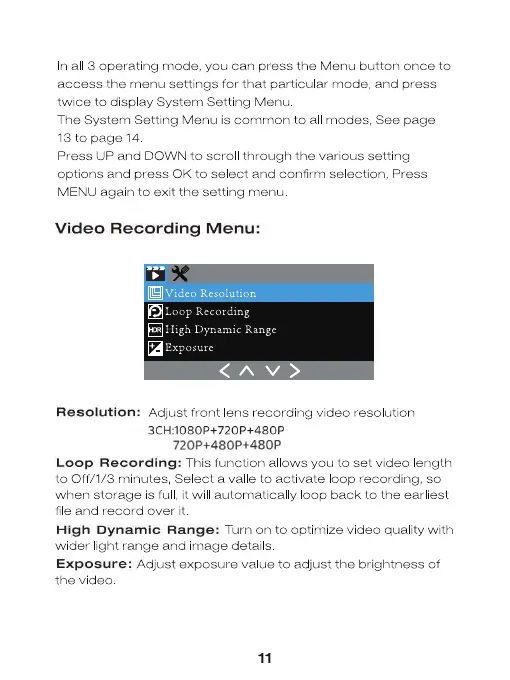
Video Recording Menu:
Loop Recording
High Dynamic Range
Exposure
Resolution: Adjust front lens recording video resolution
3CH:1080P+720P+480P
720P+480P+480P
Loop Recording: This function allows you to set video ength
to Off/ 1/3 minutes, Select a val e to activate oop recording, so
when storage is ful it will automatical y oop back to the earliest
file and record over it
High Dynamic Range: Turn on to optimize video quality with
wider light range and image detai s
Exposure: Adjust exposure value to adjust the brightness of
11


 To Next Page
 Loading...