20
PANEL CONTROLS
23
24
25
UPPER GRAND PIANO
LAYER REVERB
LOWER
EFFECTS
CURSER
ESCAPE
LEFT RIGHT
SCREEN VALUE
–+
ENTER
CONTRAST
DATA WHEEL
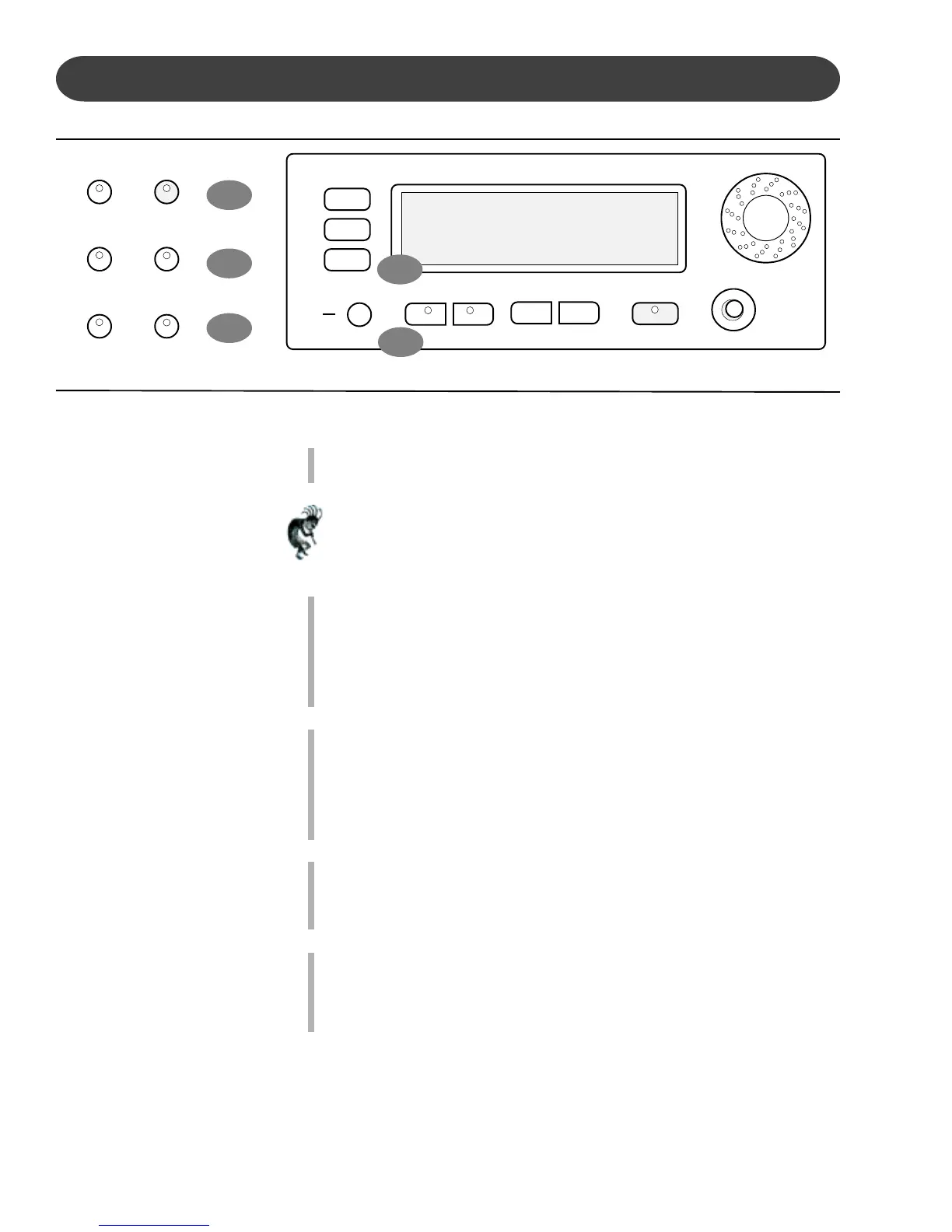
23. GRAND PIANO - This button will reset the piano to its default (power up)
settings while engaging the Grand Piano voice for all 88 piano keys.
Note: The Grand Piano Button is very useful to quickly escape from any
feature and/or functions modes that are currently engaged.
Use this button when you want to leave a current setting or to restart a
feature or function that didn’t seem to engage properly.
24. REVERB - The reverb effect is engaged automatically when the power is
turned on. Reverb simulates the effect of playing in a big room or hall
where the sound reverberates off the walls and ceiling.
Function: Press the REVERB button once to select or deselect the
function. When the Reverb feature is engaged the Reverb Type & depth
(amount of Reverb) is displayed on the LCD Screen.
25. EFFECTS -The EFFECTS button will add chorus, flanger or delay effects
to the selected Instrument Voice.
There are eight DSP (Digital Signal Processing) effects available.
Function: Press the Effect button once to select or deselect the function.
When the Effect feature is engaged the Effect Type & depth (amount of
Effect) is displayed on the LCD Screen.
26. CURSOR - The CURSOR button group allows you to access and
highlight different areas within the LCD Display screen.
Please note - After your selection has been highlighted Press the Enter
button to engage your selected item.
27. ESCAPE -The ESCAPE button is located below the Cursor Button
Group. When this button is pressed it will return the current LCD
Display screen to the previous LCD Display screen.
Continue pressing this button to return to the original default performance
LCD Display screen.
26
27


 To Next Page