EN - 17
Manual cooking
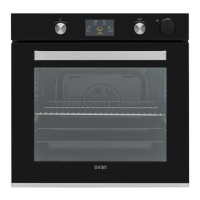
You can adjust every cooking setting in
Manual Cooking mode, including the 7
different cooking functions, the temperature,
the boost function, the cooking duration,
and the cooking end time. Follow the
steps listed below to navigate the Manual
Cooking menu.
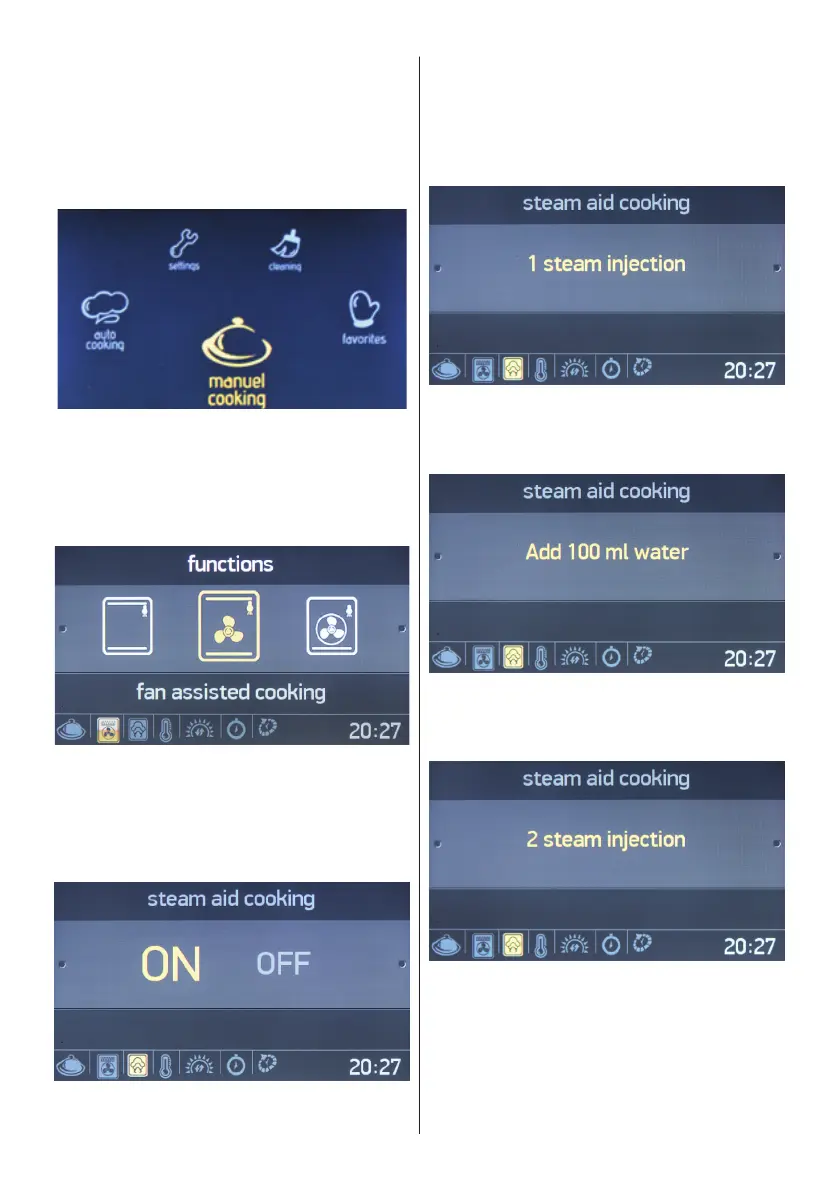
The main menu
• Rotate the right knob in either direction
until “Manual Cooking” is highlighted.
• Press the right knob to select the
highlighted option.
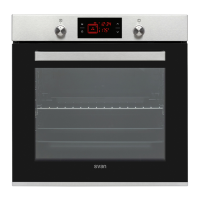
Oven function
• Rotate the right knob in either direction
to navigate between the available oven
functions.
• Press the right knob to select the
highlighted option.
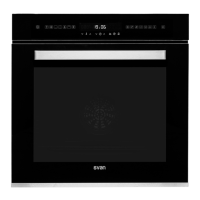
Steam Aid Cooking
• Rotate the right knob in either direction
to highlight Steam aid cooking “ON” or
“OFF”.
• Press the right knob to select the
highlighted option.
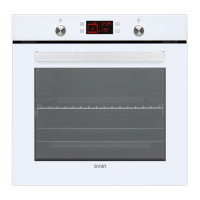
• Press the right knob to select to “1
steam injection”.
• Add 100 ml of water into the water tank.
• Press the right knob to select to “Add
100 ml water”.
• Rotate one times the right knob to 2
steam injection.
• Press the right knob to select the
highlighted option.


 To Next Page