EN - 25
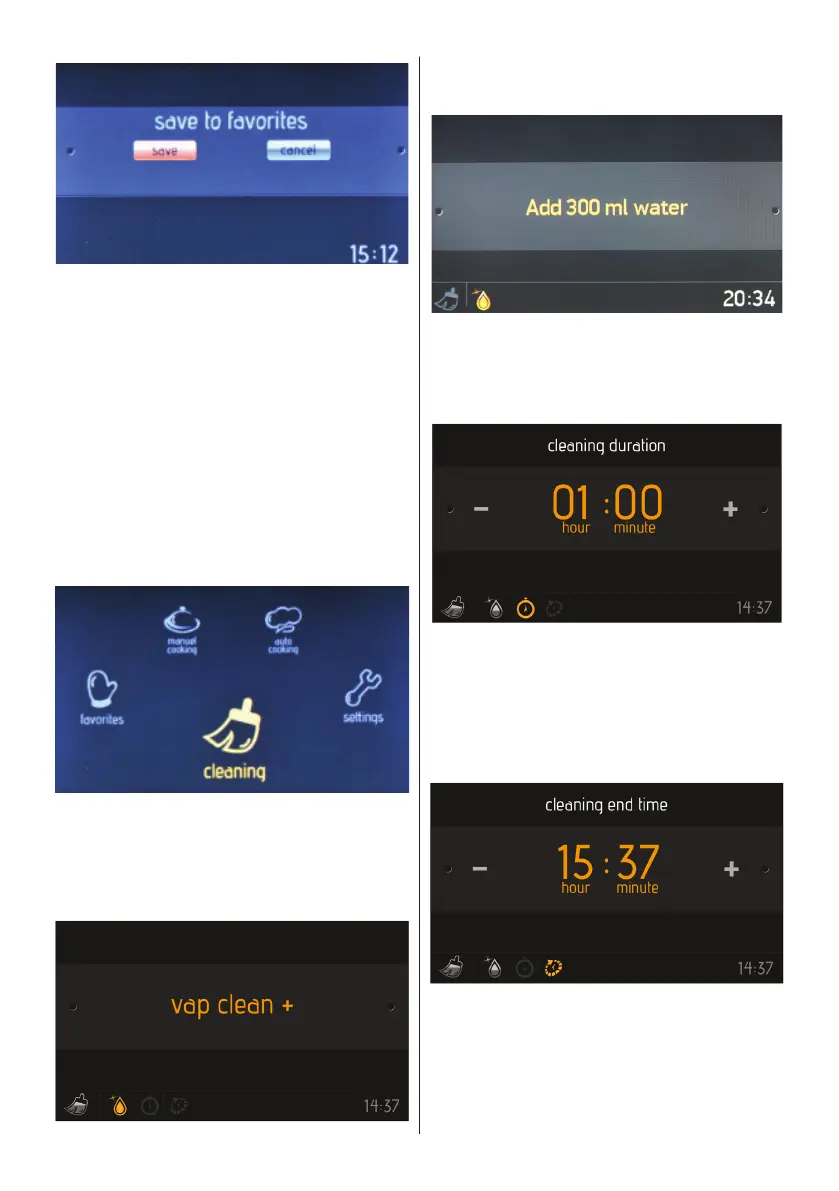
Save to favourites
• Rotate the right knob to highlight “Save”
(to save the settings) or “Cancel” (to
discard the settings).
• Press the right knob to select the
highlighted option.
Cleaning
With the Vapclean function, dried residue
within the oven will be softened with vapour.
To perform Vapclean, pour a glass of water
onto the oven shelf at the bottom of the
oven, then follow the steps listed below.
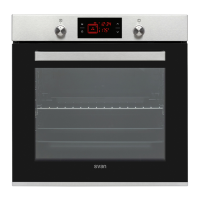
On the main menu
• Rotate the right knob in either direction
until “Cleaning” is highlighted.
• Press the right knob to select the
highlighted option.
The function selection screen
Press the right knob to select “Vapclean”.
Steam injection
• Add 300 ml of water into the water tank.
• Press the right knob to Add 300 ml
water.
Cleaning duration
• Rotate the right knob in either direction
to change the cleaning duration.
• Press the right knob to set the cleaning
duration.
Cleaning end time
• Rotate the right knob in either direction
to change the cleaning end time.
• Press the right knob to set the cleaning
end time.


 To Next Page