ENG
✼
User’s Manual
Congratulations on your purchase of the SVEN headphones!
APPLICATION
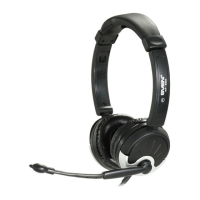
Sven
✁
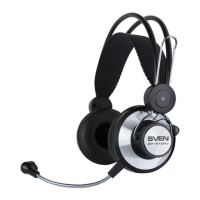
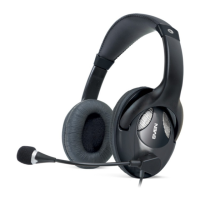
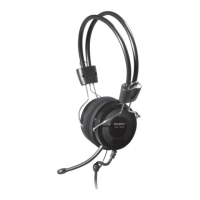
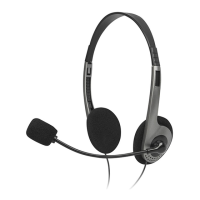
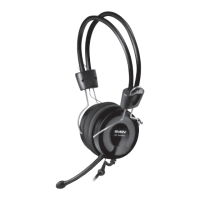
-600 stereo headphones with a microphone are designed for
operation with PC sound cards and other compatible systems. They can be
also used in VoIP telephony, video conferencing, multimedia applications,
interactive games, for speech recognition and learning foreign languages.
One of the distinctive features of the model is SVEN PNC (passive noise can-
celling) system providing isolation from outside sounds.
SAFETY PRECAUTIONS
• Don’t use the stereo headphones while driving.
• Don’t use the stereo headphones at high volume for a long time (more
than 15 minutes), as this may cause hearing impairment.
SPECIAL FEATURES
• Rotary microphone arm
• Volume control wheel on the cable
• High-strength cable
• Adjustable headband
• SVEN PNC passive noise cancelling system
CONNECTION AND OPERATION
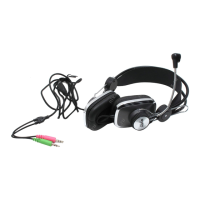
• Connect the headphone plug to the audio output jack of your audio source
(PC, laptop, MP3 player), as shown in Fig. 1.
• Insert the microphone plug into the microphone input jack of your audio
source.
• Adjust the headphone volume level as desired with the volume control
wheel on the cable.
❛✂✄☎✆✆


 To Next Page