ENG
1
User’s Manual
Congratulations on your purchase of the SVEN stereo headphones!
COPYRIGHT
© 2013. SVEN PTE. LTD. Version 1.0 (V 1.0).
This Manual and information contained in it are copyrighted. All rights
reserved.
APPLICATION
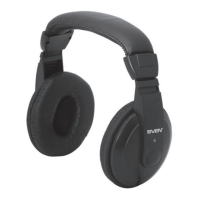
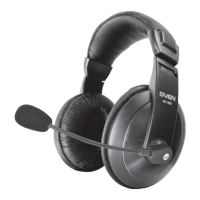
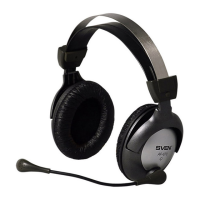
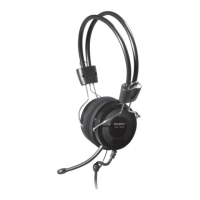
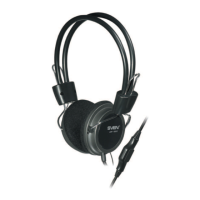
Sven AP-860V stereo headphones are designed for operation with PC sound
cards and other compatible systems.
PACKAGE CONTENTS
• Stereo headphones — 1 pc
• Warranty card — 1 pc
SAFETY PRECAUTIONS
• Don’t use the stereo headphones while driving.
• Don’t use the stereo headphones at high volume for a long time (more
than 15 minutes), as this may cause hearing impairment.
SPECIAL FEATURES
• 3.5 mm (3 pin) connector for PC and mobile devices
• Unilateral connection of the cable
• Volume control on the cable
• Soft tight-fitting adjustable headband
• Leatherette ear cushions
CONNECTION AND OPERATION
• Connect the headphones connector to the audio output jack of your audio
source (PC, laptop, MP3 player), as shown in Fig. 1.
• Adjust the headphones volume level as desired with the volume control
wheel on the cable.
AP-860V


 To Next Page