ENG
4
Wireless Stereo Headphones
with Microphone
Bluetooth technology
• Wireless data transfer via the Bluetooth protocol enables to connect wireless head-
phones to compatible devises. Maximum radius of action of data transfer is 10 m. Such
obstacles as walls or other electronic devices can interfere with the signal transfer.
Headset to a device interfacing
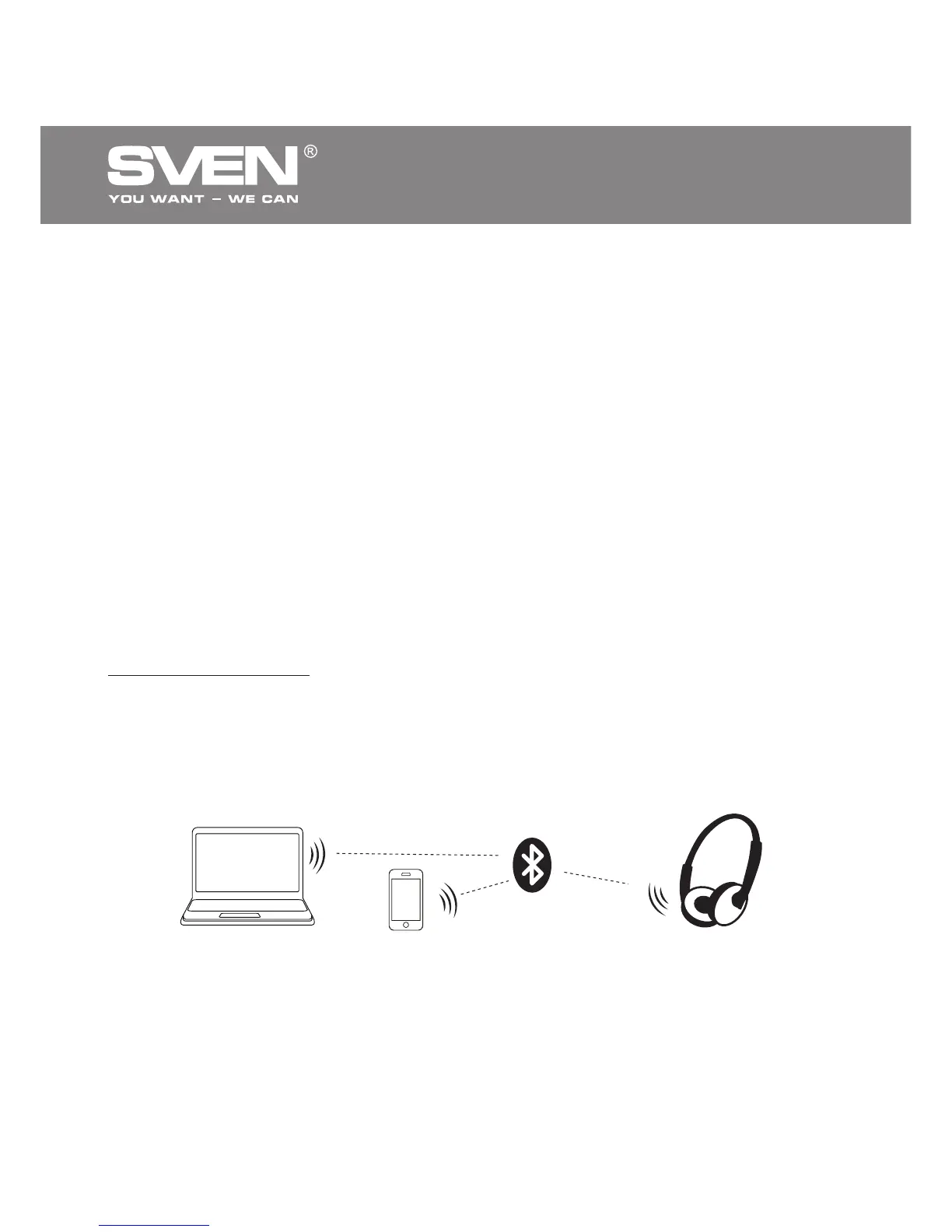
• It is necessary first to interconnect the device with a signal source (see the connection
diagram in Fig. 2) to transfer signals via Bluetooth. To do this, turn on the headset, wait for
starting the search mode – the LED indicator g will alternate blue light with red one.
• It is necessary to select the search mode of de vices with Bluetooth on a signal source
(telephone, notebook, smartphone, etc.). “SVEN AP-B550MV” massage will be displayed
on the screen, which is to be connected to*.
• If connection is successful, there will be a short beep signal in the headphones; the
search mode indication on the headphones is over. If no devices is connected, head-
phones will turned off automatically in 2 minutes. If the device interfacing has, been failed,
it is necessary to switch the system in the search mode once more
(turn off and on)**.
• The indicator g on the headphones blinks blue short during the data exchange
(listening music) with a device connected via Bluetooth.
* You might have to enter “0000” code to connect some models of devices via Bluetooth.
** If the item has been already registered in the device list of a source, then the second
search mode activation is not obligatory. Choose only the item name “SVEN AP-B550MV”
and the “connect” command on the source.
Fig. 2. Connection diagram
Phone
PC
Headphones


 To Next Page