ENG
4
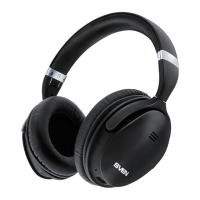
Wireless Stereo Headphones
with Microphone
Note: When watching streaming video or using a wireless headset in mobile games, the audio
track may lag slightly behind the image or action. This is not a malfunction, but is due to thetech-
nical capabilities of the source and receiver Bluetooth chips.
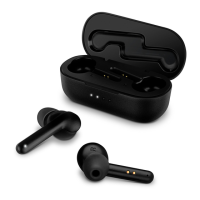
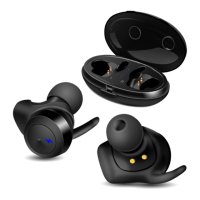
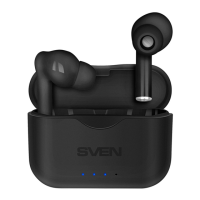
Case Headset Charging
Put the headphones to the charging case. During battery charging indicator b lights red.
Whendevice is charged full, indicator b is white within 1 minute, then go out.
The battery in the headphones and case is used as an integral part of the device, there-
fore do not try to extract or replace it, because this can result in the warranty cancellation
orthedevice damage.
Device switching on
Remove the headphones from the charging case and they will automatically turn on. Make
sure the headphones are charged.
Put the headphones to the charging case. They will automatically turn o, or long touch ofbut-
ton a on either headphone disconnects both headphones.
Headphone control
When connected to a telephone:
In order to receive an incoming call press multifunction button a. Press button a again tonish
the call.
Siri or Google Assistant: touch and hold any of the headphones for 2 seconds**.
Рlay/pause: tap any of the headphones once.
Next track: touch any headphones 2 times.
Previous track: touch any headphones 3 times.
Reset function: tap button a on two headphones ve times at the same time.
* You might have to enter “0000” code to connect some models of devices via Bluetooth.
** Availability of this feature depends on your phone.
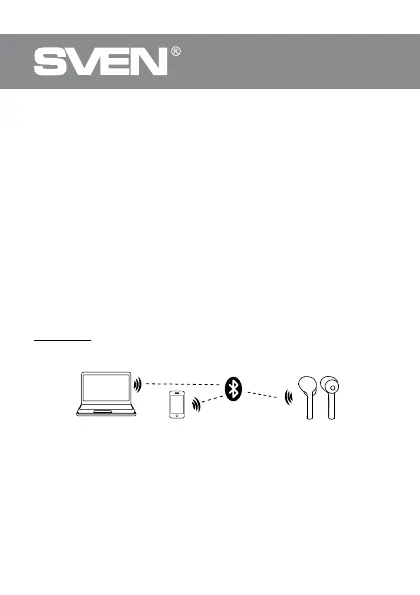
PC
Fig. 2. Connection diagram


 To Next Page