ENG
4
Wireless Stereo Headphones
with Microphone
Note: if you cannot connect the headset, try the following steps manually:
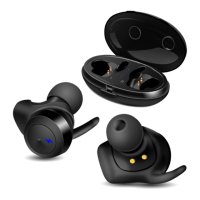
• Remove one of the headphones from the charging case;
• The white LED ashes quickly, touch and hold the multifunction sensor area for 6 seconds.
The LED will go out. Put the headset back in the charging case;
• Take out the other earphone and do the same.
Charging the case
• Charge the headphone case using the USB-A to USB-C cable (included). White LEDs d ash
while charging. When the case is fully charged, all 4 LEDs glow white. The left LED on the case
will ash when the battery is low.
Case Headset Charging
• Put the headphones to the charging case. During battery charging indicator b lights red.
When device is charged full, indicator b go out.
• The battery in the headphones and case is used as an integral part of the device, therefore
do not try to extract or replace it, because this can result in the warranty cancellation or thede-
vice damage.
Device switching on
• Remove the headphones from the charging case and they will automatically turn on. Make
sure the headphones are charged.
Deviceswitchingo
• Put the headphones to the charging case. They will automatically turn o.
Headphone control
When connected to a telephone:
• In order to receive an incoming call press twice multifunction button a. Press button a twice
again to nish the call.
• Siri or Google Assistant: tap 3 times on any of the headphones*.
• Рlay/pause: tap any of the headphones 2 times.
• Next track: touch and hold the right earpiece for 2 seconds.
• Previous track: touch and hold the left earpiece for 2 seconds.
* Availability of this feature depends on your phone.
PC
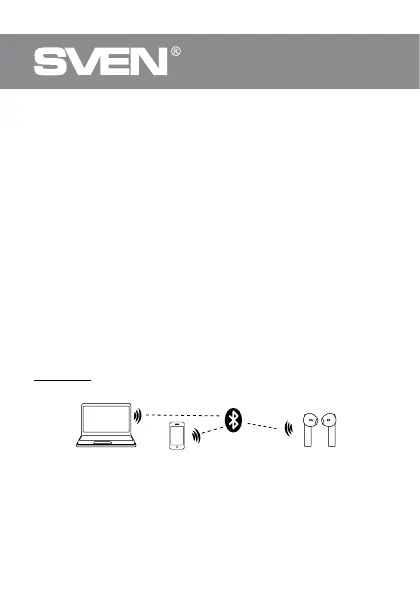
Fig. 2. Connection diagram


 To Next Page
 Loading...