3
ENG
User’s Manual
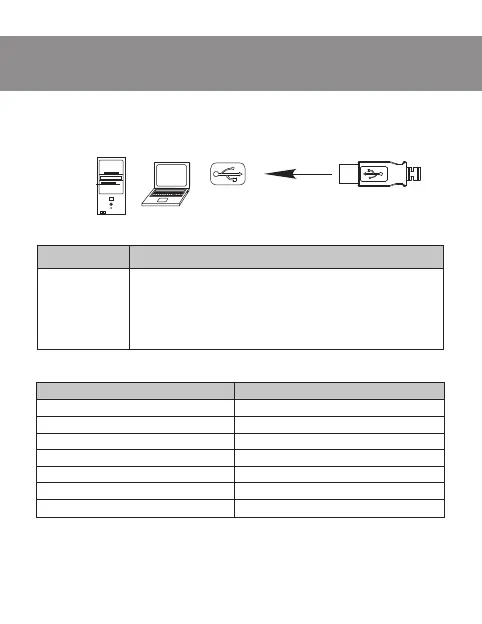
PC
USB port
Solution
1. Disconnect mouse from PC and check connector
pins for possible damage. If there is no external
damage found and connector pins are OK, connect
mouse to PC.
2. Address nearest authorized service center.
Problem
Mouse is not
working.
Note. Technical specification given in this table is supplemental infor-
mation and cannot give occasion to claims. Technical specification is
subject to change without notice due to improvement of SVEN pro-
duction.
TECHNICAL SPECIFICATION
Parameter, measurement unit
OS required
Type of mouse
Resolution, dpi
Q-ty of buttons
Interface
Dimensions, mm
Weight, g
Value
Windows 98/Me/2000/XP/Vista/7
Optical
1000
2 + 1 (scroll wheel)
PS/2; USB
125 × 63 × 41
160
TROUBLE SHOOTING
INSTALLATION
• Turn on your PC.
• Connect mouse to USB or PS/2 port of our PC.
OP-1



 To Next Page