ENG
3
User Manual
PS-390
SPECIAL FEATURES
•Bluetooth wireless signal transmission
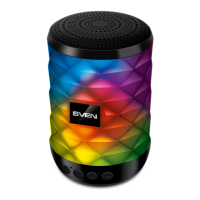
•Colorful lighting
•Protection against the water (IPx5)
•Wireless connection of two speakers to one source
•Built-in audio files player from micro SD card storage devices
•Power Bank function
•Wired connection
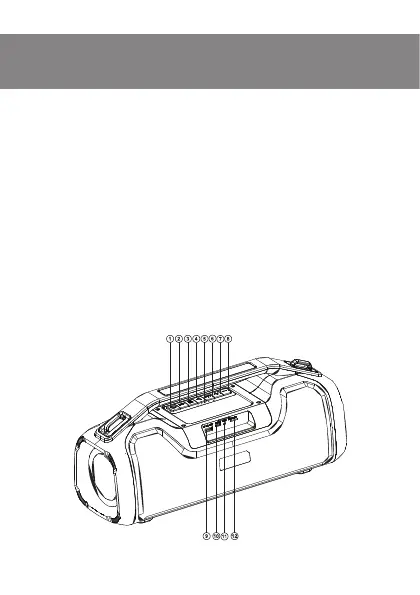
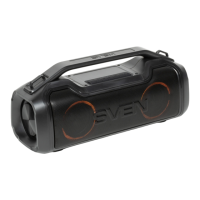
Speaker system description
a POWER button (long pressing);
Switch mode button: Bluetooth/Player/AUX (short pressing)
b Connecting an additional speaker (short pressing in Bluetooth mode);
Disconnecting from the sound source (long pressing in Bluetooth mode)
c Changing the equalizer mode (short pressing);
Setting the default EQ mode (long pressing)
d Play/Pause (short pressing in Player and Bluetooth mode);
Mute (short pressing in AUX mode)
e Battery charge indicator
f Backlight on/off
g Volume increase button (short pressing);
Next track (long pressing in Player and Bluetooth mode)
h Volume decrease button (short pressing);
Previous track (long pressing in Player and Bluetooth mode)
i 5V 1A OUT: mobile device charging port
Fig. 1.


 To Next Page