Prepare Devices Create Account
Install Devices
Top Tips
Download App
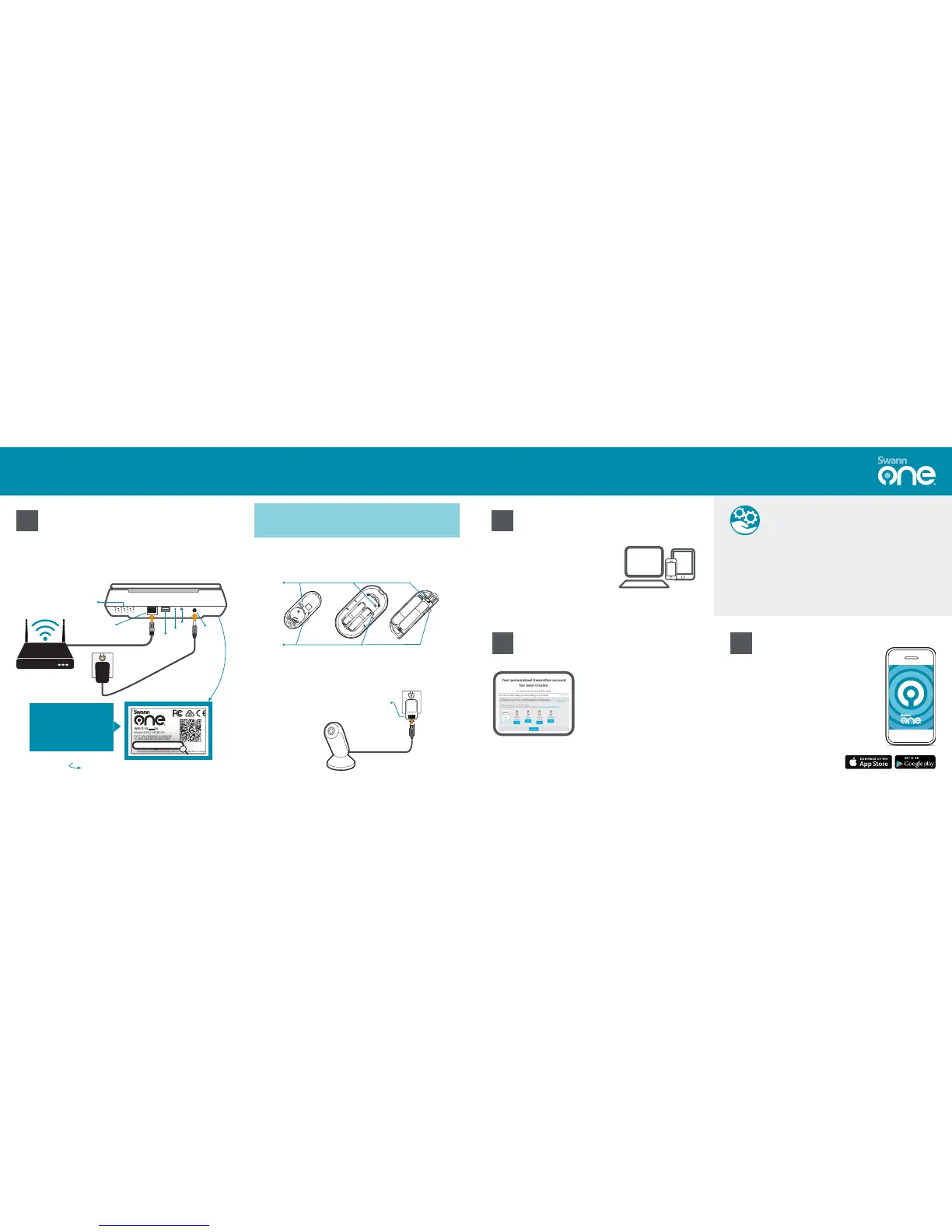
Connect your Smart Hub to the Internet and a power outlet with
the included Ethernet cable and power adapter.
The sticker on the base of
your Smart Hub contains
the information you need to
register your Hub.
Take note of the MAC ID.
MAC ID: __ __ – __ __ – __ __ – __ __ – __ __ – __ __
INPU T:5V 2A
This d evice c ompli es with P art 15 of t he FCC Ru les. Op erati on is sub ject to t he
foll owing t wo cond ition s: (1) th is devi ce may no t cause h armfu l inter feren ce, and
(2) th is devi ce must a ccept a ny inte rfere nce rec eived , inclu ding in terfe rence t hat
may ca use und esire d opera tion
MAC I D:XX- XX-XX -XX-X X-XX
FCC I D:VMI SWO-H UB01K
S/N o:XXX XXMMY YXXXX X
Mod el:SW O-HUB 01K
IC: XX123A -B12345 67890
Eac h USB:5 V 500mA
Designed in Australia
Made in Ch ina
MAC I D:XX- XX-X -XX -XX-X XX
• We've designed the hub to look stylish next to any decor, so feel free to move it around
once it's connected to Wi-Fi. As long as the hub is within coverage of your wireless router,
it will automatically reconnect.
• The strongest possible overall coverage for all your SwannOne devices is achieved when
the hub is placed somewhere in the middle of your home. Try to keep it away from metal
barriers, microwaves and Bluetooth devices as they may potentially cause interference.
• Customize and expand your SwannOne system easily at any time via your SwannOne
web dashboard. From cameras and sirens, to power plugs and lights - the Smart Hub is
compatible with many variety of home automation products.
Stay connected and manage your
SwannOne Smart Home system wherever*
you are. Receive sensor alerts, watch what's
going on, and much more.
Simply download the SwannOne app for iOS
or Android on your smartphone or tablet
from the Apple App Store or Google Play.
Batteries are pre-fitted inside your devices. Open the cover and
remove the battery tab from each device to activate.
Plug your camera into a power outlet using the included power
adapter and USB cable.
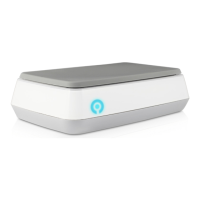
Smart Hub
Key Fob and Motion & Door/Window Sensors
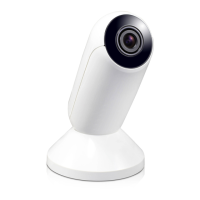
SoundView Indoor Camera
Follow these simple steps to set up your Video Monitoring Kit
1 2
43
Broadband Router
Ethernet
Speaker &
Mic
Power
Battery
Tab
(Your power adapter may
look different, depending
on your location)
Connect
Button
USB
Reset
WPS
Jot it down here!
SwannOne products are designed to be easy to set up. However, if at any
time you need help or get stuck, please visit swannone.com/faq where
you can find answers to frequently asked questions & more.
Before you can install your kit, you must
create a SwannOne account to register
your devices. Your SwannOne account is
what you use to control and manage your
SwannOne system and services.
Go to home.swannone.com from your
PC, Mac, smartphone or tablet, and sign
up for a SwannOne account.
Log in to your new SwannOne account
at home.swannone.com. Follow on-
screen prompts to choose the devices
you want to install and then select
"Install Now" to begin.
You will be guided with clear, step-by-
step instructions on:
• registering the Smart Hub
• configuring Wi-Fi network
• linking SwannOne devices
• performing walk-tests
* Internet connection required.


 To Next Page
 Loading...