English version
5
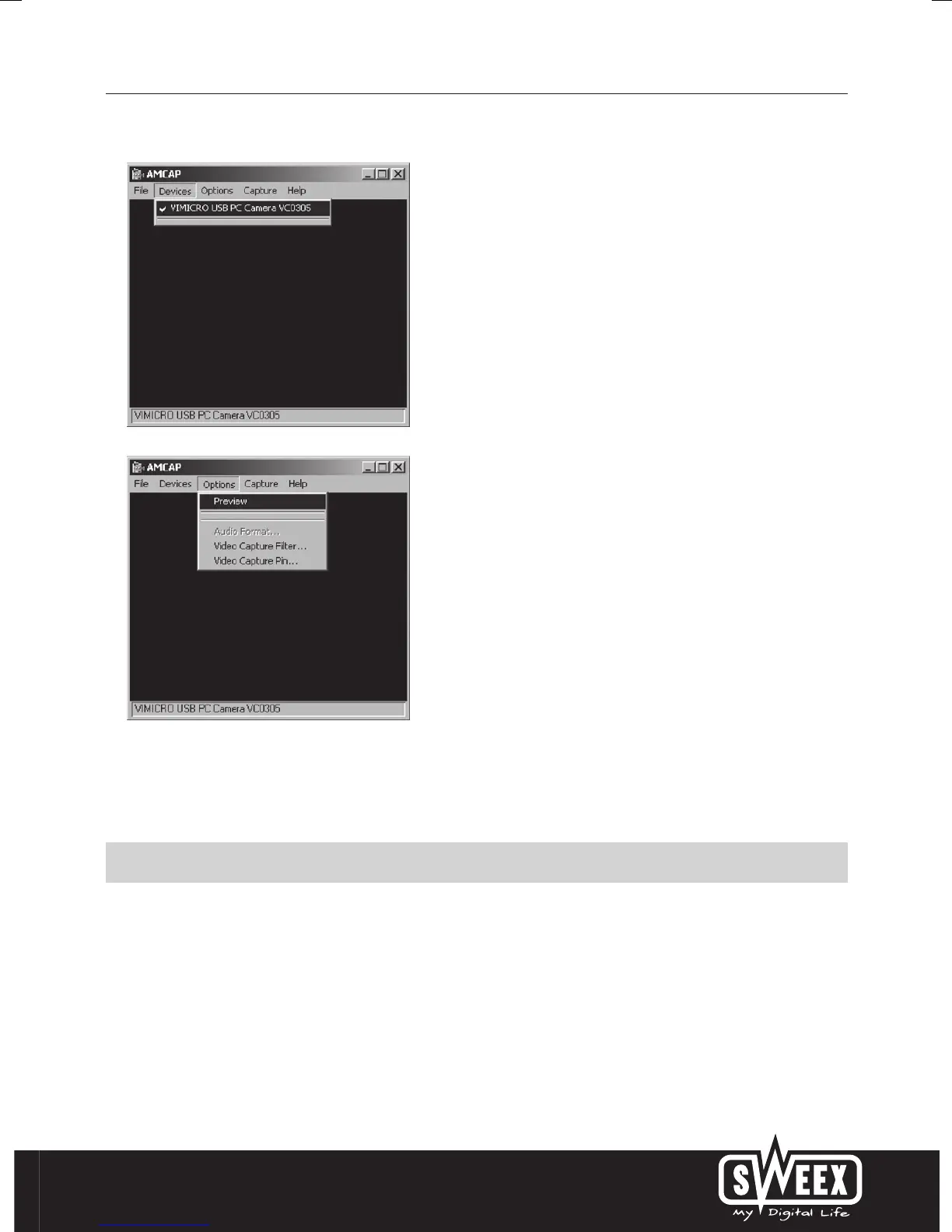
In AMCAP open the “Devices” tab. Make sure that here the correct chatcam is selected: “Sweex Nightvision Hi-Res Chatcam”.
In AMCAP open the “Options” menu. Choose the option “Preview”. With this option the image can be viewed.
The effects, such as Face Tracking and Zoom only work up to a resolution under 640x480. In external applications, such as chat
programs, you can use the effects.
Microphone
The Chatcam has a separate microphone connection. This has to be plugged in to the sound card (“mic in”).
Important! When using the external microphone Windows has to select this as active recording input. You can check this as
follows:
Go via START to “Programs”, then to “Accessories” and “Entertainment”.



 To Next Page