[timekeeping] [non lane mode] menu:
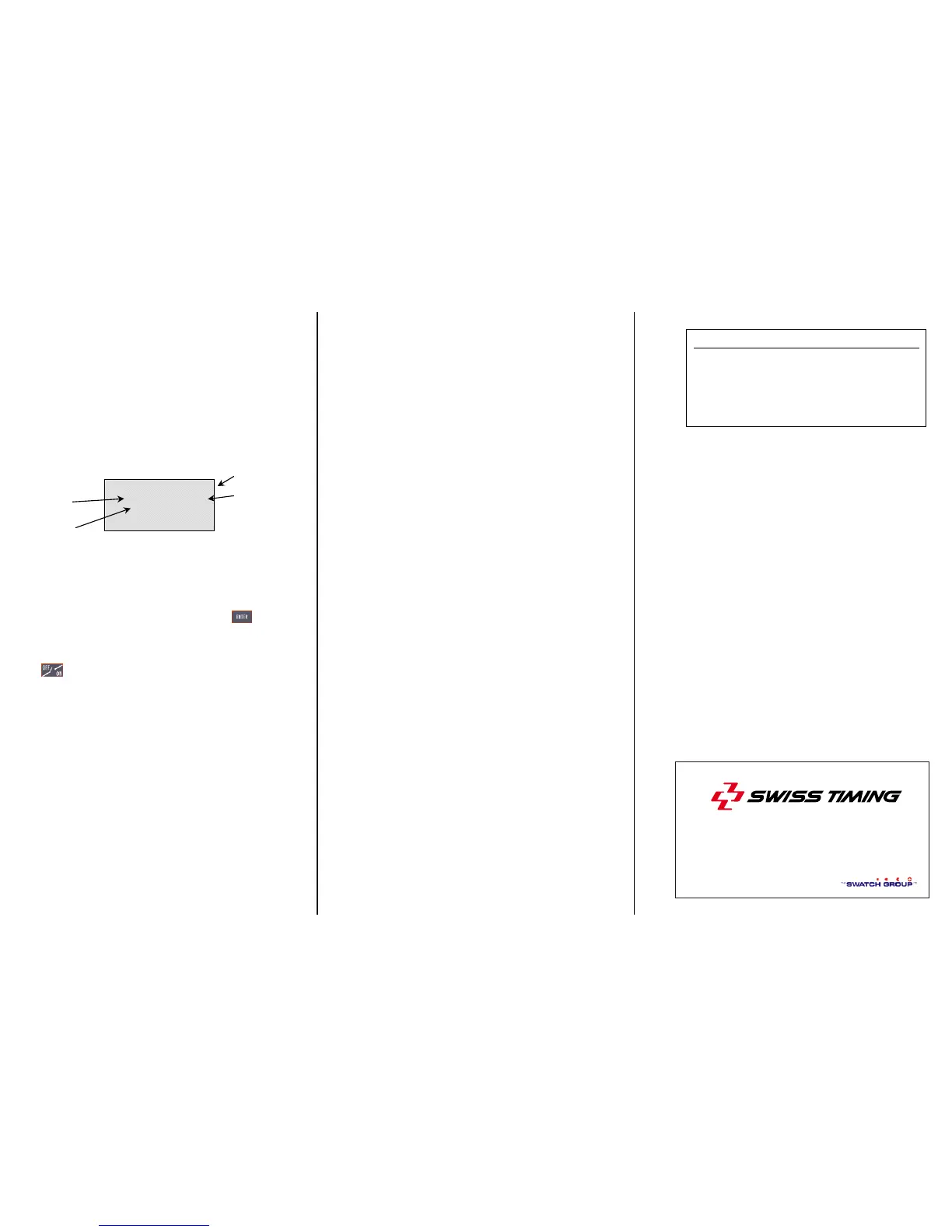
Select the heat/event race as described in the
[lane mode] chapter. The following screen is
displayed:
Once the race has started the time runs on the
screen, the cursor moves on the first screen
line allowed for the results and the expected
rank is shown on the screen.
Whenever an armed stop impulse is received,
the time is memorised and shown on the
display. The printer prints the day time of the
signal. To assign the corresponding bib
number of the time pointed by the cursor,
enter the bib number followed by the
key.
The printer prints the bib number with the day
time and, on the following lane, the effective
time for this competitor.
during the race will arm/disarm the
system. This key is useful when no
competitors are expected on the finish line to
prevent the PowerTime, if connected with a
photocell, to interpret people crossing the line
as if they were competitors.
To handle the CORRECTION menu, see the
description in the [lane mode] chapter.
[Initialization] menu:
[Initialization][scoreboard][type]
[rollertime] standard scoreboard protocol
[multiline] this new protocol has been
implemented to drive up to 8 lanes of
numeric scoreboards (for example the
Omega GEMINI scoreboard). Select the
scoreboard you intend to drive.
[Initialization][scoreboard][page
time] (For Top 8 version 3.2 or higher)
For scoreboards of less than 8 lines, a
scrolling by page allows to display all results.
This option allows to define the duration of
display of every page.
[Initialization][non lane race]
(For Top 8 version 3.2 or higher)
The two settings available in this menu allow
the user to have or not an automatic
numbering for every finish time and to let or
not the running time on scoreboard after first
arrival.
[Initialization][dh run time][on/off]
[on] instructs the program to send the running
time also to the computer output.
- 6 -
- 5 -- 4 -
CH - 2606 Corgémont , Switzerland
P.O. Box 138, Rue de l’Envers 1
Phone ++41 32 488 36 11


 To Previous Page
 Loading...