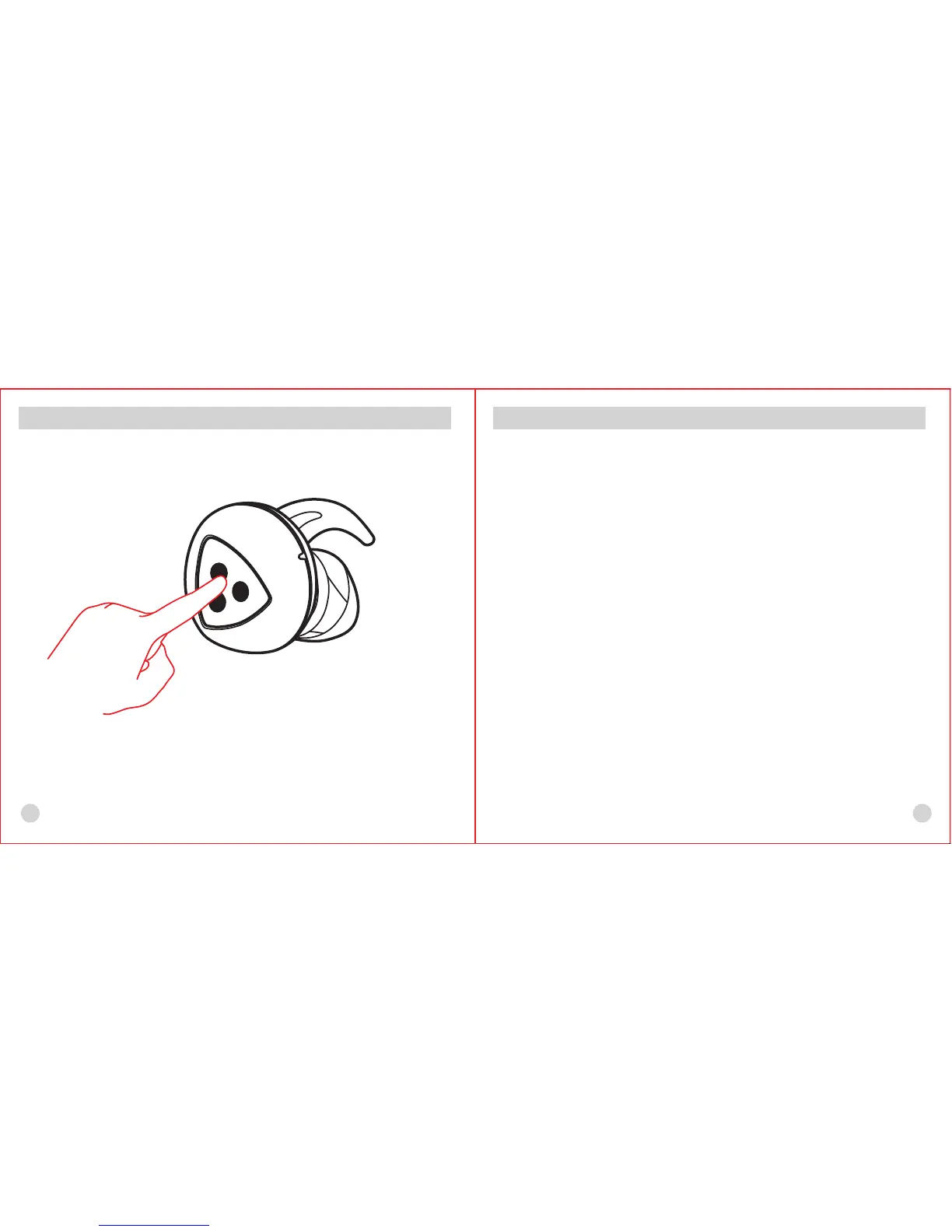
Wireless Bluetooth Headset Operation
3
4
1. Power on
Press and hold the entity button for 2 seconds when power is off
2. Poweroff
Press and hold the entity button for 6-7 seconds when the power
is on, then the red LED will be flashing for one second and a
notification sound will be heard accordingly
Wireless Bluetooth Headset Operation
3. Connect earphone to cellphone
Enter connection mode of cellphone: when the power is off or the
blue LED is flashing, press and hold one of the entity buttons
which in L/R earphones for 3-4 seconds, then both red and blue
LEDs flash alternately and fast. Use the Bluetooth function in your
cellphone to search for “D900” and click connection; input the code
“0000” if needed


 To Next Page