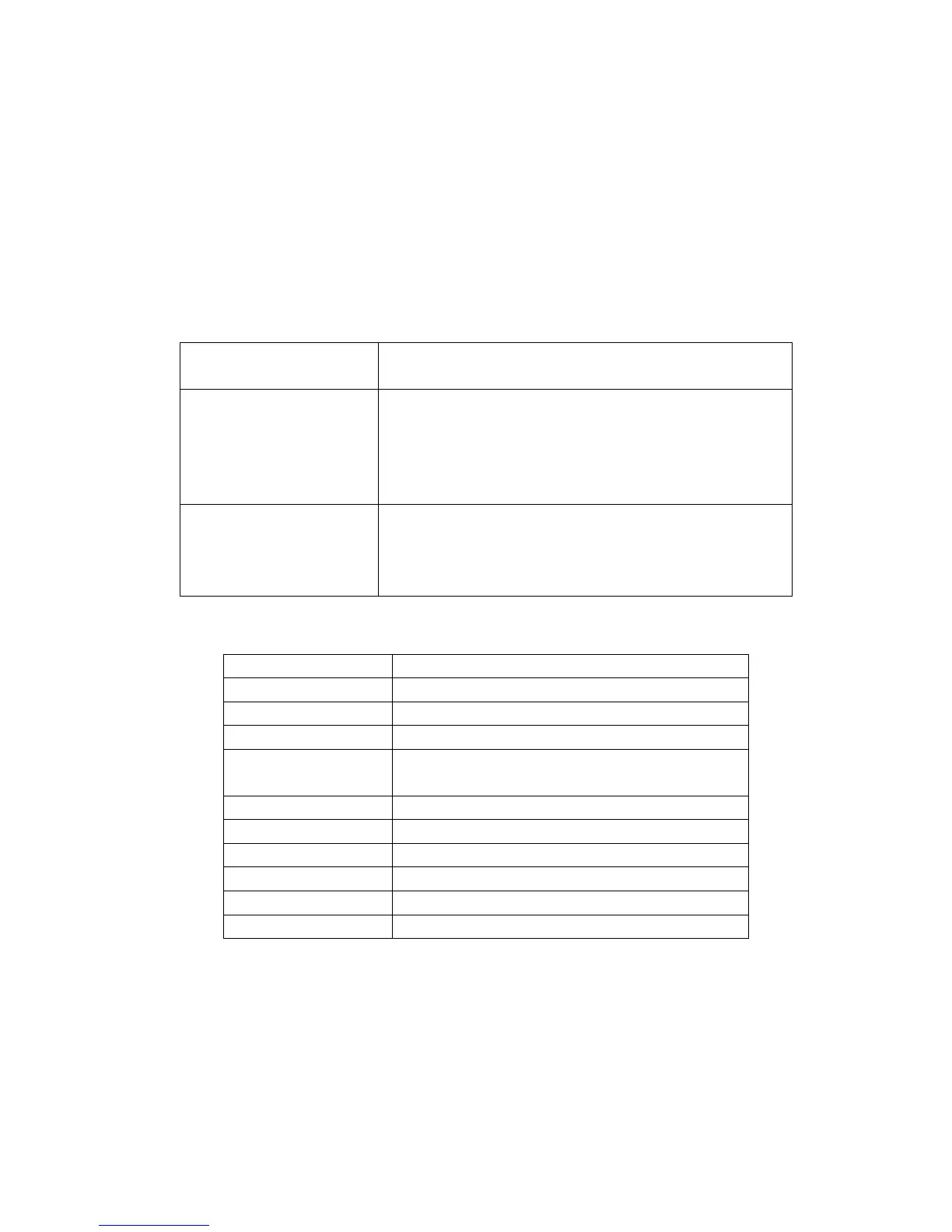
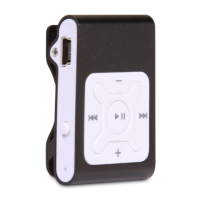
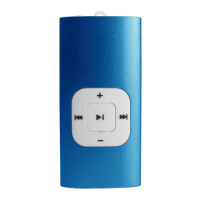
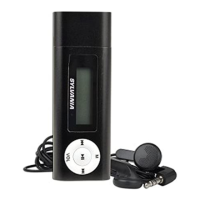
Press +/- to adjust volume.
4. USB Disk
The player could be use as standard USB disk with operating system of Windows 2000 and above,
Mac OS 10.3 and above, Linux Redhat 8.0 and above (no driver needed) while Windows98 need to set up
driver
Battery:
Make sure the power switch is set to "ON" to charge. When you connect the MP3 with charger, the light
next to power switch will turn on & won't turn off. Another light, besides the earphone socket, indicates charging.
When the battery is full, this light will turn off. Disconnect the player and charger if you want to stop charging.
Turn off the player when you do not use player.
Trouble Shooting
Technical Specifications
Capacity 2 GB
Display NA
Interface USB 2.0 High Speed
Max Playtime Up to 4hrs
Battery Type &
Capacity Li-Polymer Rechargeable 3.7V 150mAh
File type
MP1、MP2、MP3、WMA
S/N ratio 85~95Db
Earphones output power (L)5mW + (R)5mW(320hm)
Operating System Compatible with Window2000/XP and above
Dimensions 44.2*29.5*12.7
Weight 18g
No Power
Check to see if battery is low.
Check to see if the player is ON
No sound from earphone.
Check to see Volume is set “0” and connect the
earphone connects properly
Make sure earphone is clean and in good status
Damaged MP3 file may make noise and could not be
played Make sure that the music files are not damaged.
Failure of music download
Check to see if USB cable is damaged and connected
properly.
Check to see if driver is installed correctly
Check to see if memory space is enough



 To Next Page