15
○,B Dimmer Switch
High and low beam can be selected with this switch. When the headlight is on high beam
, the high
beam indicator light goes on (page 8).
High beam
Low beam
○,C Turn Signal Switch
When the turn signal switch is turned to the left
or right , the corresponding turn signals blink on
and off. To stop blinking, push the switch in.
○,D Horn Button
When the horn button is pushed when the ignition switch is turned on; the horn sounds.
Windscreen
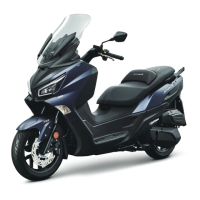
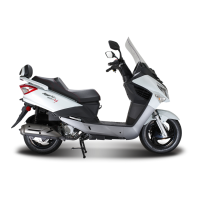
This scooter is equipped with a 2-position adjustable windscreen. Adjust the positions to fit your figure.
High position: ○,
A
Low position: ○,
B
Remove the 2 screws ○,
C to remove the 2 windscreen garnishes ○,D.
Remove the 4 flange bolts; select a position that you prefer and mount the windscreen.
Install the 2 garnishes.
Fuel Tank Cap
Turn the ignition key to “Fuel Lid” position (page 12) to release the fuel lid ○,
A.
To open the fuel tank cap ○,
B, turn it anti-clockwise.
Put or hold the fuel tank cap securely.
Fill in the fuel.
Close the fuel tank cap and turn it clockwise until it is locked.
Press the fuel lid to close it.
○,A
○,B
○,A
○,B
○,C
○
○,E
○,A


 To Next Page
 Loading...