To download the latest version of SymNet designer, the Windows application that
controls SymNet hardware go to www.symetrixaudio.com/Products/symnet.htm.
Quick Start
SymNet
™
Revision A.04
To download the latest version of SymNet designer, the Windows application that
controls SymNet hardware go to www.symetrixaudio.com/Products/symnet.htm.
Quick Start
SymNet
™
Revision A.04
Hardware Installation
3 of 9
Mechanical
Item Discussion Remarks
Space Required 1U (WDH: 48.26 cm x 21.59cm
x 4.369cm / 19 in x 8.5 in x 1.72
in) Depth measurement does not
include connector allowance.
Allow 1-inch additional depth for Euroblock connectors.
Additional depth may be required depending on your
particular DB9 connector. Allow 1U (1.72 in, 4.369cm)
free space above and below unit for proper ventilation.
Electrical 100-24VAC, 50-60Hz, 100W
maximum.
No line voltage switching is required.
Ventilation Fan located at equipment right,
pulls cold air into unit. Air exit at
equipment left.
Ensure that the left and right equipment sides are
unobstructed (2”, 5.08cm minimum clearance). The
ventilation should not be impeded by covering the
ventilation openings with items such as newspapers,
tablecloths, curtains, etc.
Weight 3.0kg / 6.6 lbs net.
Connections
Item Discussion Remarks
Binary outputs (relay
and open collector) and
analog control inputs
All use Euroblock connectors.
Symetrix part number 039003
Connectors come in 3-pin modules. Connectors
included with unit.
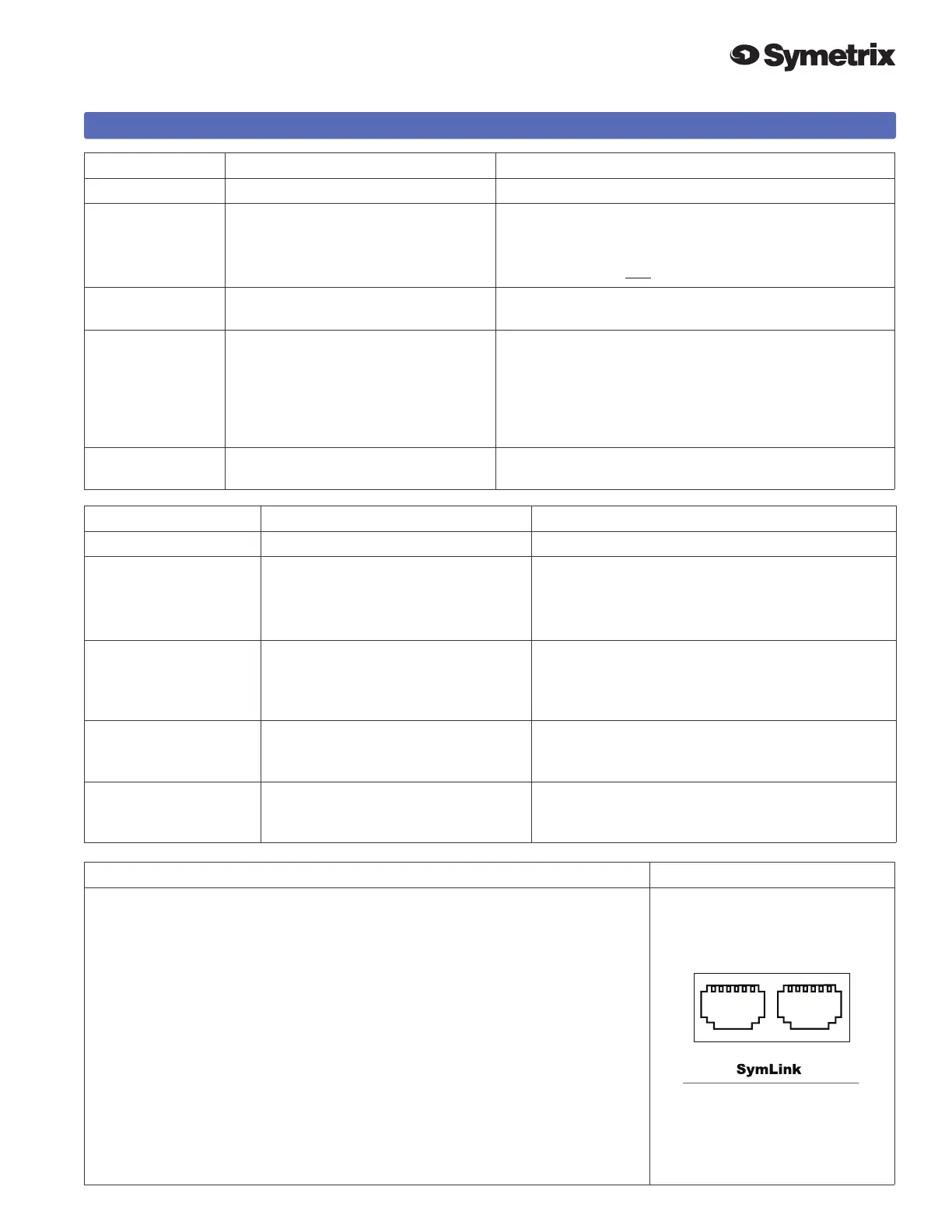
SymLink
RJ45 CAT5 shielded network cabling
required. Uses standard RJ45 ‘straight-through’ wiring. 10
meter length limit.
RS-232 DB9 female d-sub connector on unit Same connector used on front panel.You need
pins: 2, 3, 5, 7, 8, (wired ‘straight-through’).
AC mains Opposite end as required for your locale.
Cable included with unit.
Interconnecting Multiple Units via SymLink
This is relatively straightforward, however the following points are important to
keep in mind:
• SymLink is a ring network unlike EtherNet which uses a hub and spoke
topology making a single connection to each device from the hub. Each device
on a SymNet network has two connections: TRANSMIT and RECEIVE. With
SymNet the last unit’s TRANSMIT connector must connect to the rst unit’s
RECEIVE connector.
• SymLink cables must be shielded, and are limited to 10 meters length (each).
• It is not necessary to follow any particular numeric order when interconnecting
units. This may be helpful when units are located in adjacent racks.
• Each unit must have a different Unit ID number. The master unit must be
Unit ID #1. Remember where this unit is, because the PC running SymNet
Designer must be connected there.
������



 To Next Page
 Loading...