For purchase & enquiries, please contact sales @synacorp.com.my or call 04-5860026
Step 1: Inserting SIM card & wiring connection to use only GSM part of the SIM808 GSM
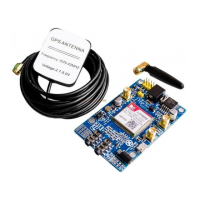
GPRS GPS Dev Board IPX SMA with GPS Antenna.
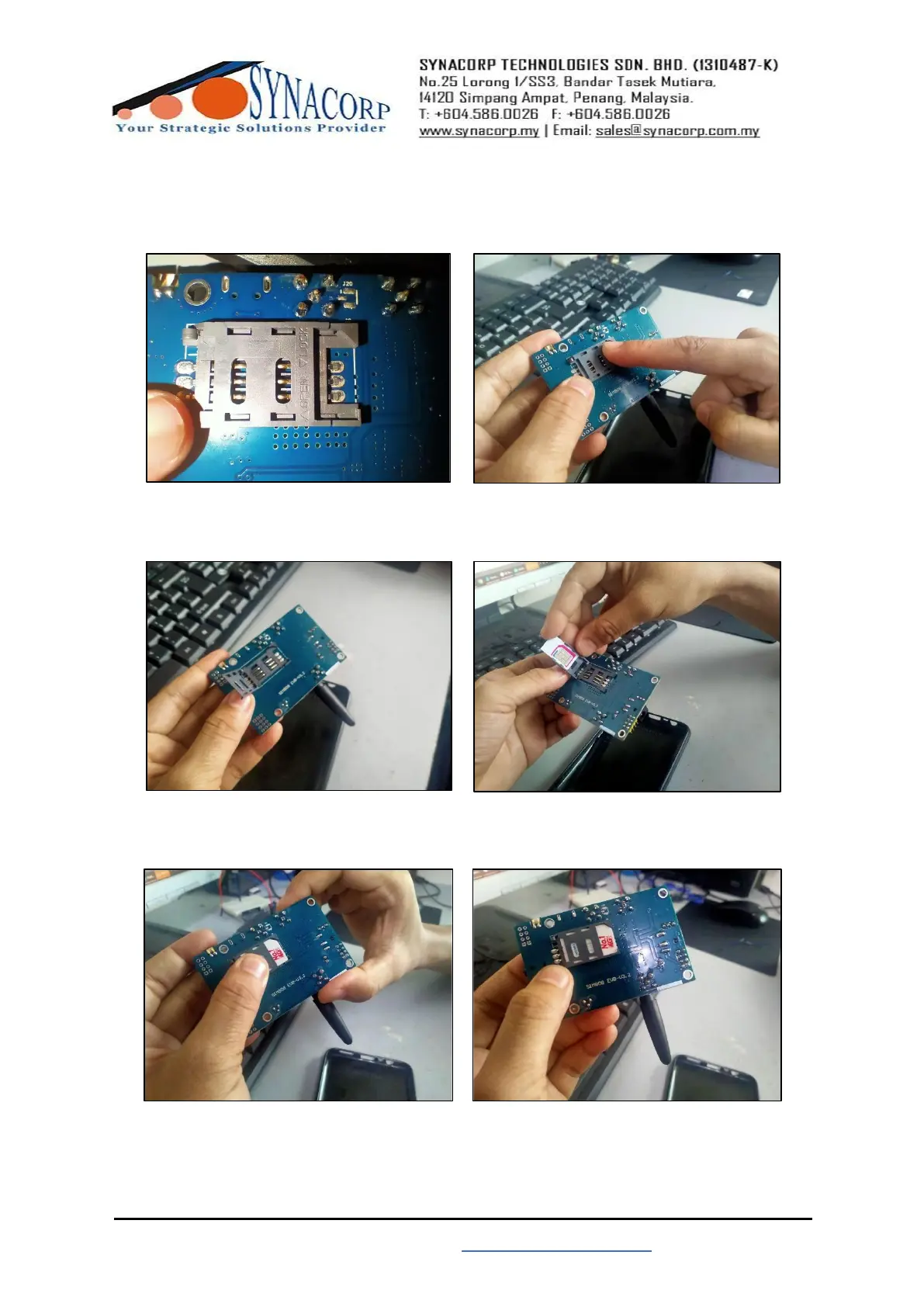
1. Inserting the SIM card into SIM808.
Slide to left to open & slide to right to
close.
Slide the SIM holder to the left to open.
Pull up the SIM holder & then slide in
the SIM card into the holder opening.
Slide in the SIM card into correct
position.
Push down the holder & then slide it to
the right to close.
Finished inserting the SIM card.


 To Next Page