
 Need help?
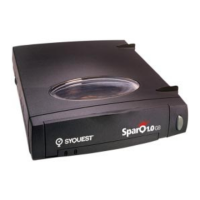
Do you have a question about the SyQuest SparQ 1.0 GB and is the answer not in the manual?
Connect the SparQ drive to your PC, power supply, and insert the starter cartridge.
Follow the on-screen steps for installing SyQuest software based on your Windows platform.
Addresses problems where the SparQ drive's power or activity lights do not glow solid green.
Resolves issues where the SparQ drive is not recognized by Windows 95 after installation.
Troubleshoots situations where the cartridge cannot be ejected from the SparQ drive.
Resolves computer idling issues in Windows 3.1 or DOS during SparQ installation or drive access.
Addresses installation failures in Windows 3.1 or DOS due to insufficient memory.
Explains how to access the SparQ drive and its contents after installation.
Guides users on adding SyQuest Utilities or bonus software after initial setup.
Details where to locate and launch the SyQuest Utility application.
Instructions for quickly attaching the SparQ drive to another computer using VISIT 95.
Provides phone numbers and email addresses for SyQuest technical assistance.

 To Next Page
 General