TPMS TT02 User Guide
Sysgration Confidential 10
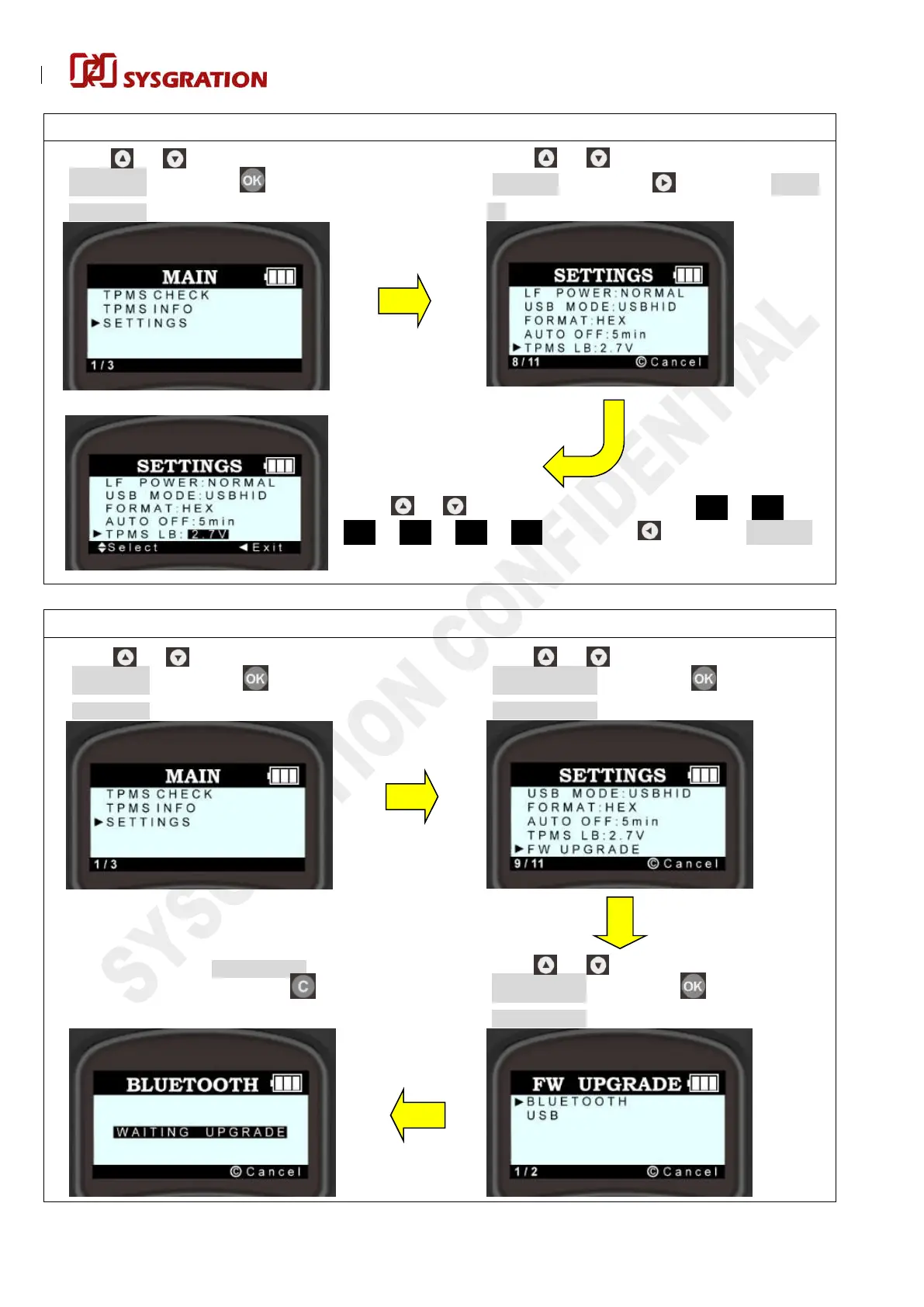
TPMS Low Battery Alert:
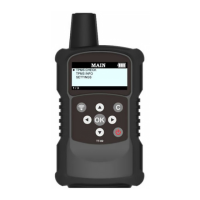
TT02 Screen
FW Upgarde – Thru BLUETOOTH:
TT02 Screen
Press or to make the cursor move to
“SETTINGS”, then press to enter the
“SETTINGS” menu.
Press or to make the cursor move to
“FW UPGARDE”, then press to enter the
“FW UPGARDE” item.
Waiting for the connection with phone APP in 30s,
otherwise it will exit “BLUETOOTH” screen
automatically, or you can press to exit below
screen by manual within 30s.
Press or to make the cursor move to
“BLUETOOTH”, then press to enter the
“BLUETOOTH” item:
Press or to make the cursor move to
“TPMS LB”, then press to enter the “TPMS
LB” item:
Press or to make the cursor move to
“SETTINGS”, then press to enter the
“SETTINGS” menu.
Press or to switch the following options
(
2.7V 2.6V
2.5V 2.4V 2.3V OFF
)
, then press to exit the “TPMS LB”
item.


 To Next Page