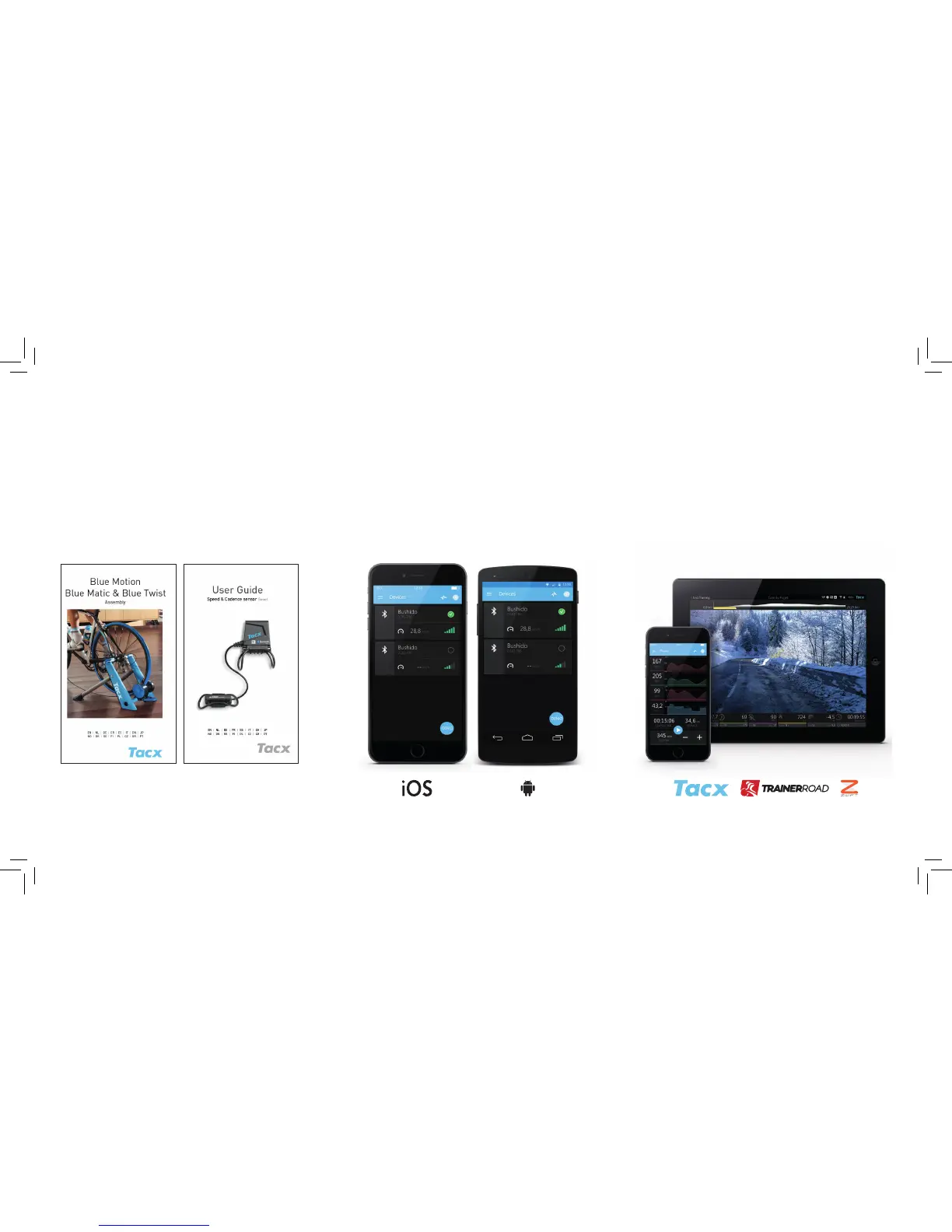
1. Place the sensor on your bike and place your bike in the
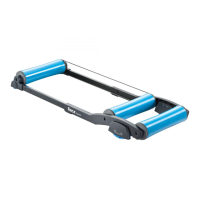
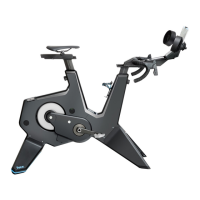
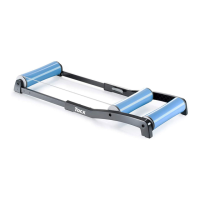
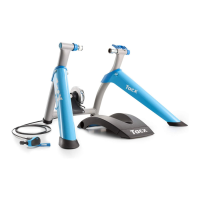
trainer, according to the manuals
2. Connect the Speed & cadence sensor with your device,
via the app settings
3. Open the software you want to use
Compatible with:
- Tablet/Smartphone with Bluetooth® 4 or higher
- Android tablet with ANT+
- Desktop with ANT+ antenna
Compatible with
- Tacx Training app (smartphone)
- Tacx Cycling app (tablet)
- Zwift app (tablet)
- Zwift (desktop with ANT+ antenna)
- TrainerRoad (smartphone, tablet, desktop with ANT+ antenna)


 To Previous Page