Step 1.
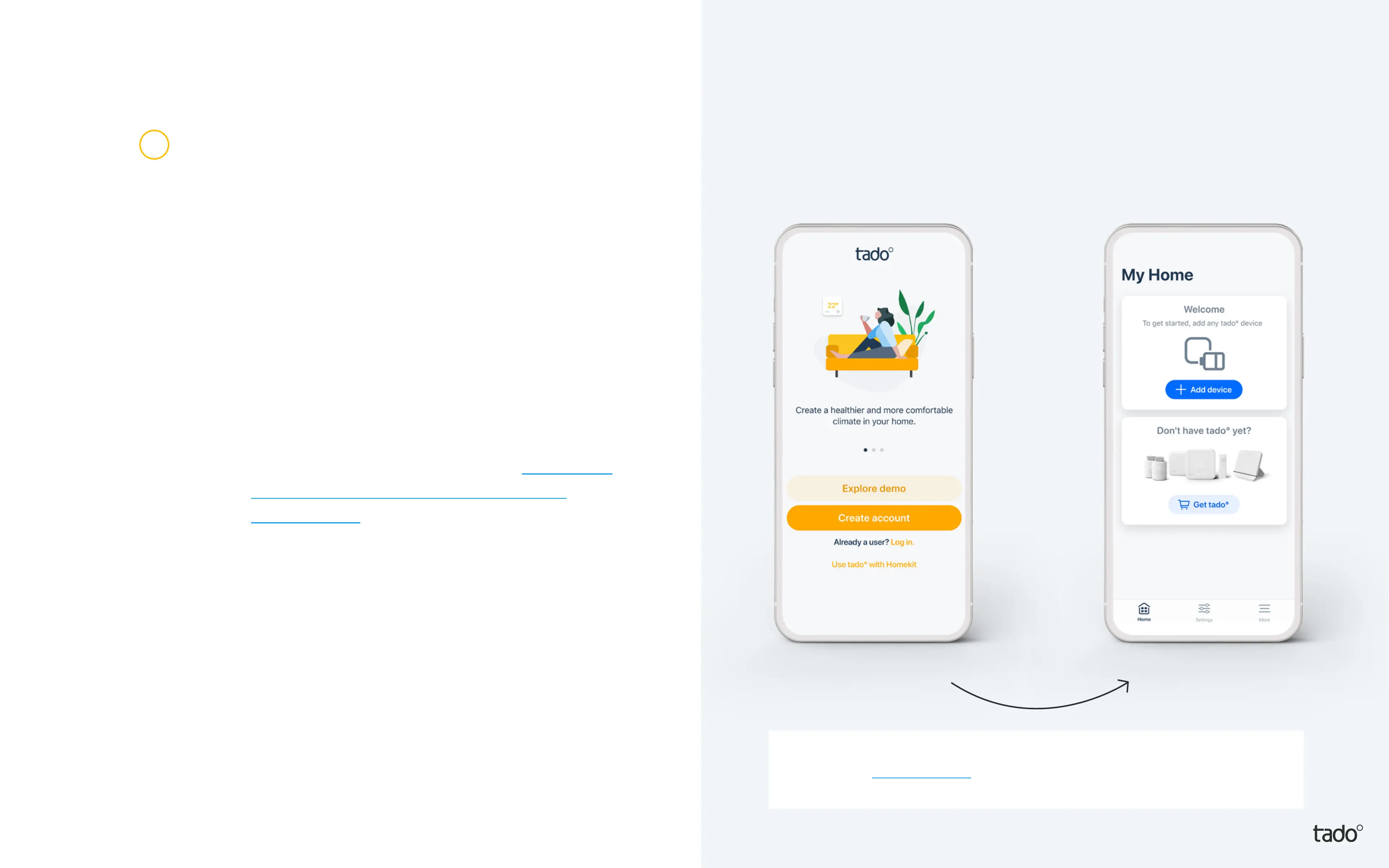
Create your account in the app.
Step 2.
Once you have created your
tado° home select ‘add device’.
If your setup includes a tadoº Bridge X,
Wireless Receiver X or Heat Pump
Optimizer X, this should be the rst
device to register.*
Step 3.
After your tado° is professionally installed,
select ʻadd deviceʼ and follow the instructions
to scan in the QR code of the Bridge X.
The QR Codes are laser-etched on each
tado° X room control device and also printed
on the Get started cards in each device’s
packaging.
Account
creation
* If you’re installing yourself, the app will guide you with customized
instructions for each device. If your devices have already been professionally
installed, you can skip those installation steps.
1


 To Next Page