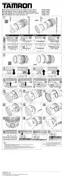
LENS APERTURE AND AE MODE (Ref. Figs. 1, 7, & 8)
Setting lens f-numbers with Canon & Sony cameras
Set the f-number with aperture setting device of the camera body in accordance with the
selected photographing mode.
For further details, please read the instruction manual of your camera.
Setting lens f-numbers with Nikon & Pentax cameras
Photographing in a programmed-AE or a shutter-speed-priority-AE mode. Rotate the lens
aperture ring (21) to the minimum aperture position, in case of Nikon camera, and set on
the “A” position in case of a Pentax camera.The aperture ring will be locked in position
automatically. When shooting in an aperture-priority-AE or manual-exposure mode, release
the lens aperture ring lock button.
The lens aperture varies with zooming movement. Cameras read the different lens openings
and automatically adjust the exposure properly.
For further details, please read the instruction manual of your camera.
If your camera is a Nikon F401 or F50, you can set the aperture to any desired f-number, leaving the
aperture ring at the minimum opening position.
ZOOMING (Ref. Figs.1 & 2)
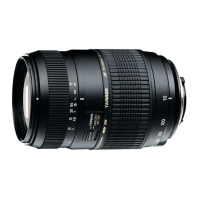
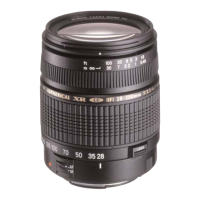
Rotate zooming ring (9) of the lens while viewing through the camera's viewfinder and
compose your image at the chosen focal length.



 To Next Page