1. Make sure you have privileges enabling you to install device drivers.
2. Insert the CD with the t61622 driver into the CD-ROM drive.
3. Run “setup.exe” from the CD directory “W2K_VERx.xx”.
4. Follow the instructions on the screen.
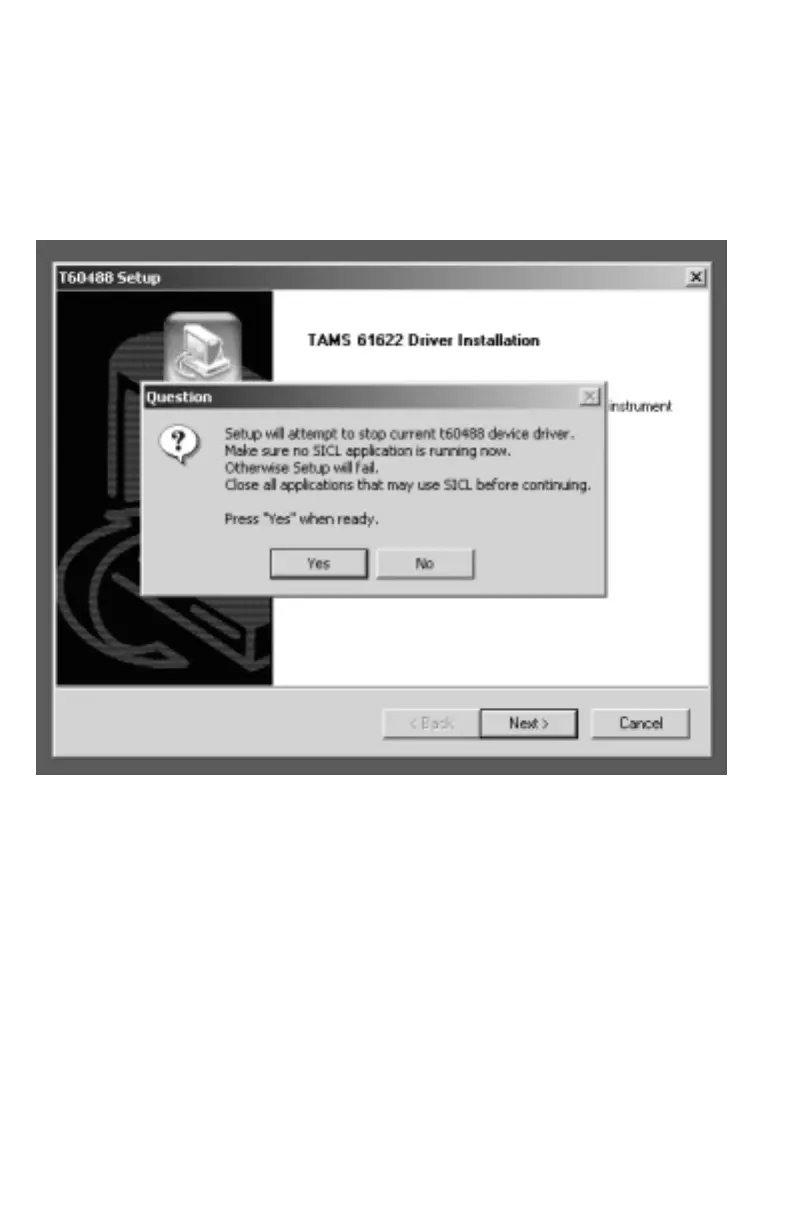
You may or may not get the following message:
5. Click on Yes and/or Next and continue with the instructions on the screen.
6. Finally, the installation program will ask you to reboot your PC. Please go
ahead and do so.
7. After reboot your TAMS 61622 GPIO card should be ready to be configured.
Now, please follow the instructions on page 15, in the section titled: Configuring
the Card in Windows NT4.0 / 2000 / XP
10


 To Next Page