EasyManua.ls Logo

Tandy TRS-80 4D - Page 25

Default Icon
48 pages
Print Icon
To Next Page IconTo Next Page
To Previous Page IconTo Previous Page
Loading...
3. If the system thinks
that the
Drive 1 diskette
already contains
information, it
asks if
you
want to format over
the diskette,
erasing all
data. If the diskette
is new or
contains infor-
mation that
you
no
longer want,
press
CD
(ENTER!
(You may
take the
diskette from
the drive
to check the label.)
If
you want to
use another diskette,
press (BREAK
) and re-
turn to
Step 1
.
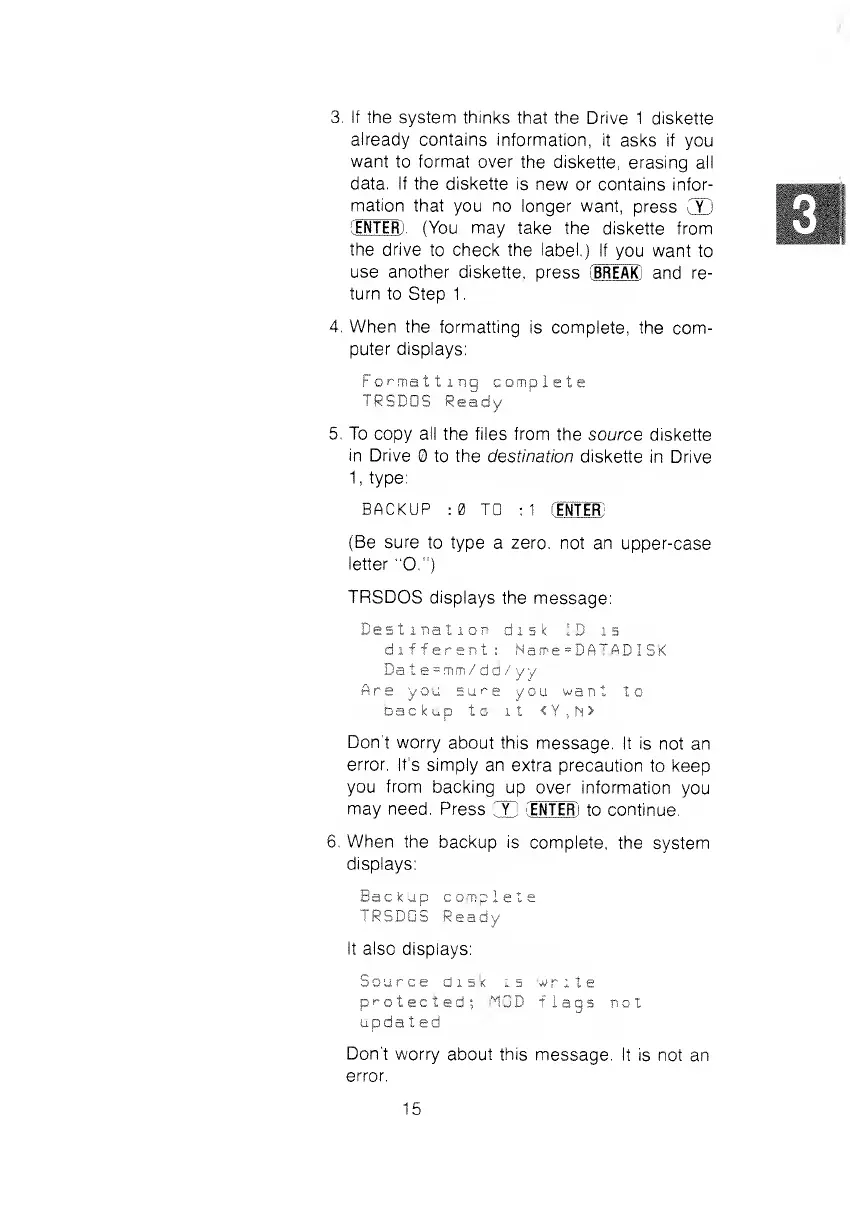
4. When the
formatting
is complete, the
com-
puter displays:
Formatting
complete
TRSDOS
Ready
5. To
copy
all
the files from
the source
diskette
in
Drive
to the
destination diskette
in Drive
1,
type:
BACKUP
;0 TO
:1
CE
NTER)
(Be sure
to type
a zero, not an
upper-case
letter
"O.")
TRSDOS
displays the
message:
Destination
disk ID is
different;
Name=DATADISK
Da t
e
=mm/dd/yy
Are
you
sure
you want
to
backup
to it
<Y,N>
Don't
worry
about
this
message. It
is not an
error. It's
simply an
extra precaution
to keep
you
from
backing
up over information
you
may need.
Press
CC
(ENTER)
to continue.
6. When the
backup is
complete, the
system
displays:
Bac
k
up
comp
1 e t
e
TRSDOS
Ready
It also
displays:
Source
disk is write
protected; MOD
flags not
Don't
worry about this
message. It
is not an
error.
15