EasyManua.ls Logo

Tandy TRS-80 4D - Page 32

Default Icon
48 pages
Print Icon
To Next Page IconTo Next Page
To Previous Page IconTo Previous Page
Loading...
Copying
and
Removing
a File
Using SAVE,
you created
a
disk file
named
HELLO/BAS,
which
contains
your
HELLO
pro-
gram.
Now
we will
show
you
how
to
use two
useful
TRSDOS
commands to
copy
HELLO/
BAS
to another
diskette
and then
remove it.
Follow the
steps below:
1.
In Chapter
3,
you formatted
a
data
diskette.
Insert this
diskette
into
Drive 1.
2. The
TRSDOS
COPY
command
lets
you
copy
a single
file from
one
diskette
to an-
other.
To copy the
HELLO/BAS
file
from the
system
diskette to the
data
diskette,
type:
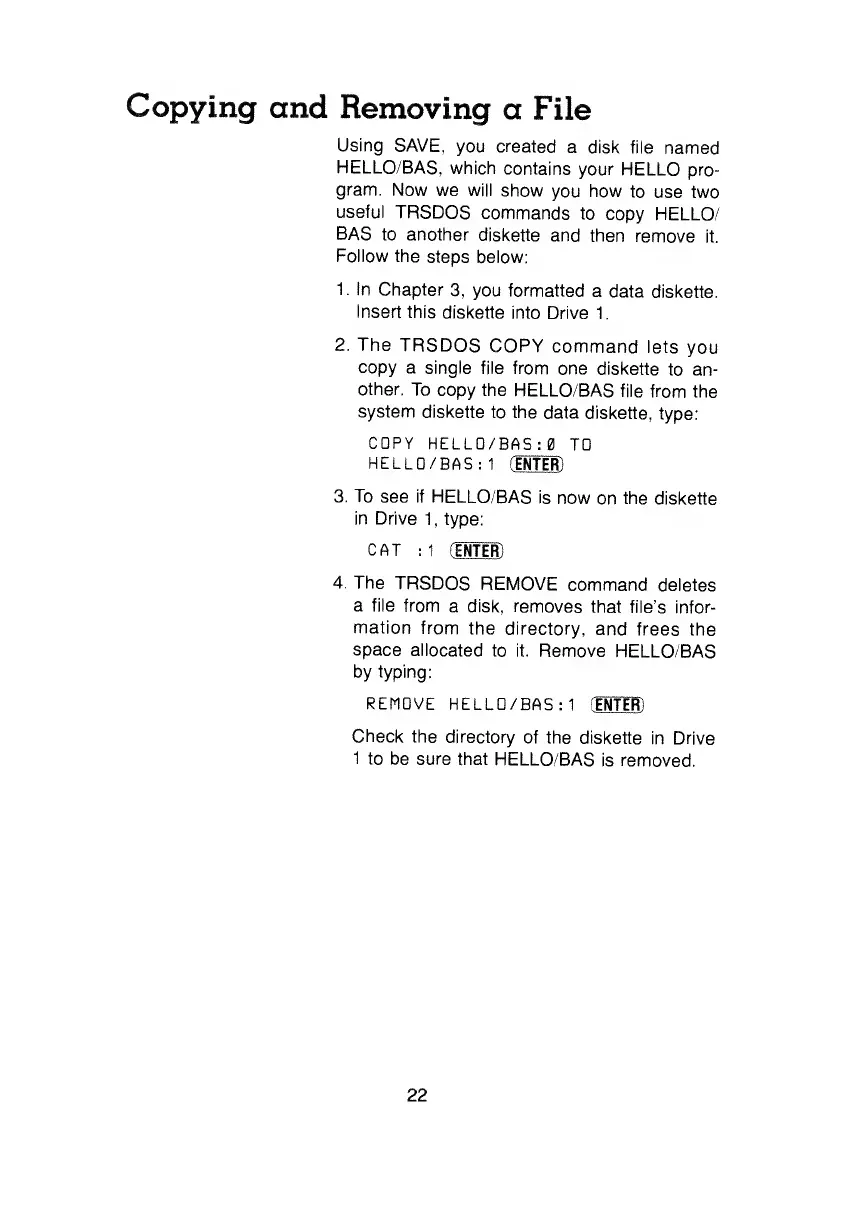
COPY
HELLO/B
AS:0
TD
HELLD/BAS:1
(EHTlR)
3. To
see if
HELLO/BAS
is
now
on
the
diskette
in Drive
1
, type:
CAT
:1
(ENTER)
The
TRSDOS
REMOVE
command deletes
a file
from
a disk, removes
that
file's infor-
mation
from
the directory,
and
frees the
space
allocated
to
it. Remove
HELLO/BAS
by
typing:
REMOVE
HELLD/BAS:1
(ENTER)
Check the
directory
of the
diskette
in Drive
1
to
be
sure
that
HELLO/BAS
is removed.
22