tangerinetelecom.com.au
6
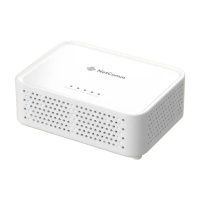
NetComm CF40 Wi-Fi 6 Quick Start Guide
NBNCo Network
Connection Device
WAN Port
Ethernet Cable
Power Adapter Power Outlet
DC In Point
Step 3: Connect your devices to Wi-Fi
• Using your device, scan the QR code on the label and/or Wi-Fi Security Card and select
“Join Wi-Fi Network” if prompted.
• Alternatively, on your device scan for and select the Wi-Fi Network Name and enter the password
outlined on the label and/or WIFI Security Card to connect.


 To Next Page
 Loading...