Bluetooth
Mode
• Connect your phone using the Bluetooth Mode
to:
• Add new Tapplock to your account
• Unlock with your phone
• Setup / remove fingerprints
• Setup morse code
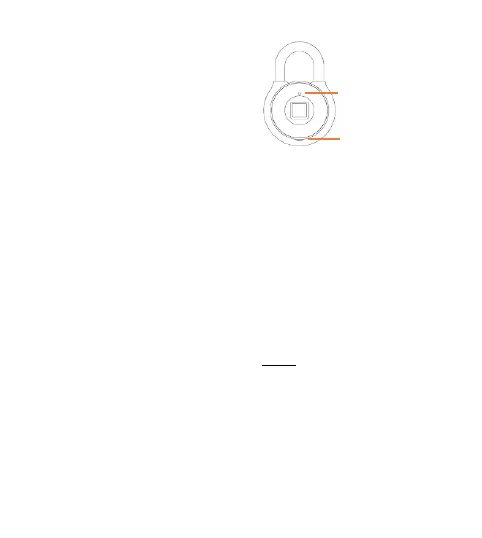
• Press the Power Button twice (2) to enter
Bluetooth Mode for phone pairing. The Status
Indicator light should be blue.
(If you are having trouble getting to Bluetooth
Mode, hold down the Power Button until the
Status Indicator light turns off, putting your lock
in sleep mode. Then press the Power Button
twice to enter Bluetooth Mode)
Status Indicator
Power Button



 To Next Page