Targus Wireless Stereo Headset
10 11
folding linefolding line
Targus Wireless Stereo Headset
(UG) AEH104TT_410-4314-001A (50)
Open size: 9”W x 4.5”H Folded Size: 4.5”W x 4.5”H Material: 80gsm woodfree paper
Diecut
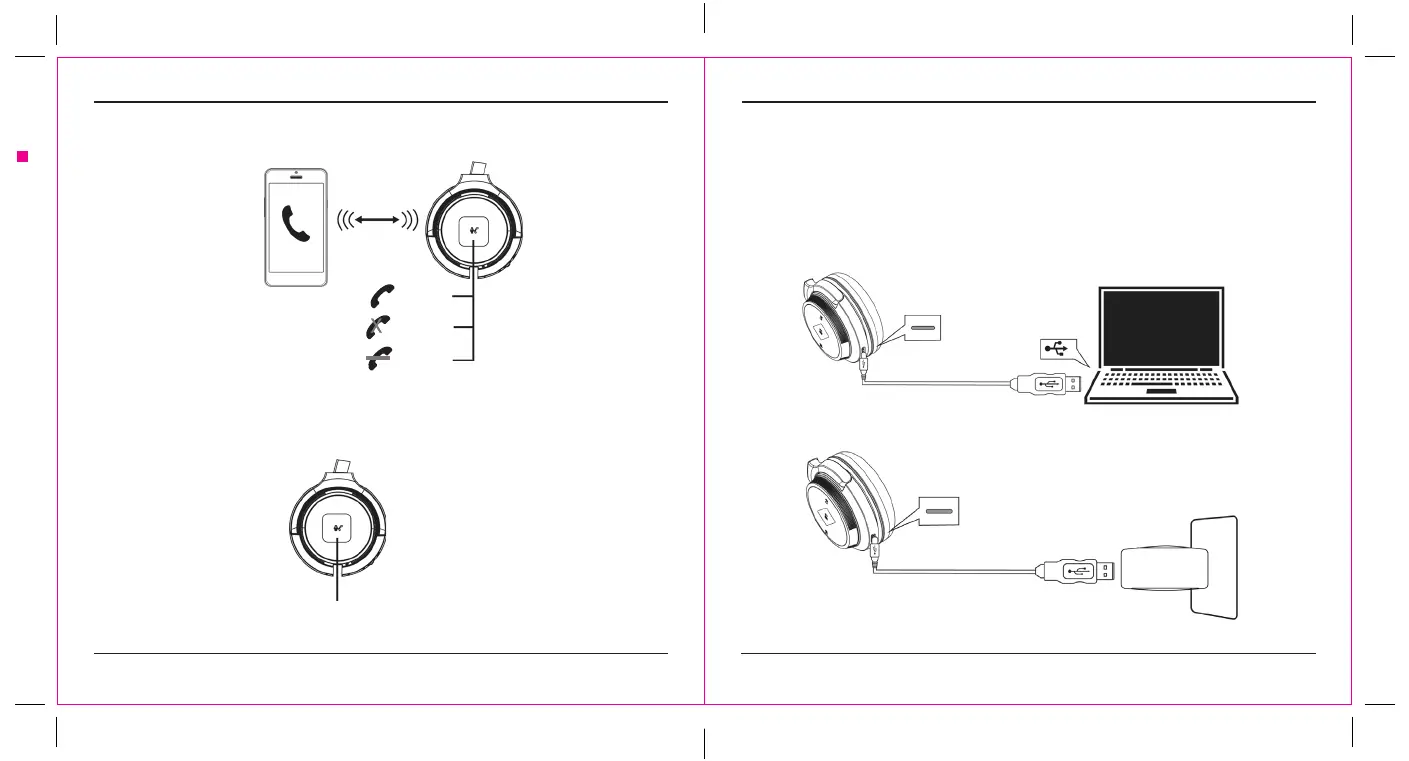
Calls with a Smartphone:
Siri / Cortana / Assistance:
10m
Press 1 x
Press 1 x
Press 2 x
Answer
End Call
Decline
Press 2 x
Charging the Headset:
The red LED will indicate charging. When fully charged, the red LED will turn o. The headset remains on
during charging.
To power o, slide the headset’s power switch to the o position.
Plug the USB-C charging cable
into a USB charger.
Plug the USB-C charging cable into
a computer’s USB port.



 To Next Page