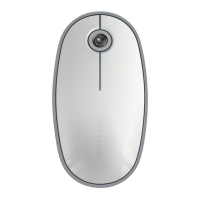
4. Select “mouse” and click continue to proceed with setup. Your mouse will
need to be in “discovery” mode to connect. To enable “discovery” mode, turn
on the mouse and after 3 seconds press any button on the mouse to enter
into discovery mode.
5. Your computer will begin to search for the mouse. Once the mouse
is found, it will show up in the list. Highlight your mouse and press
continue.
3. The Bluetooth Setup Assistant will begin. Please follow the on-screen
instructions.
2. Scroll down the list and select “Set up Bluetooth Device...”


 To Next Page











