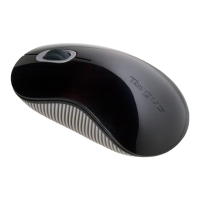
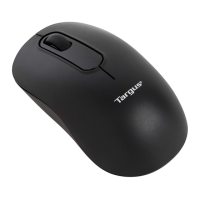
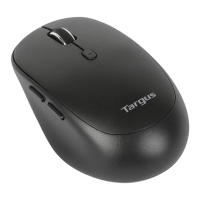
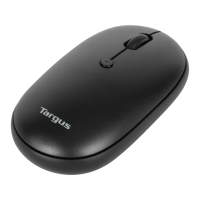
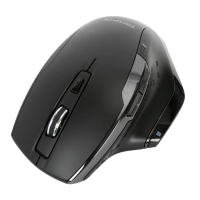
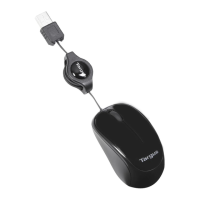
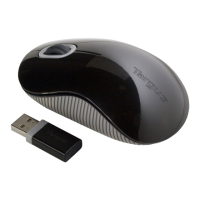
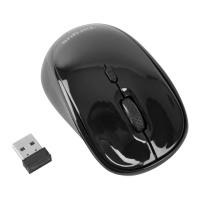
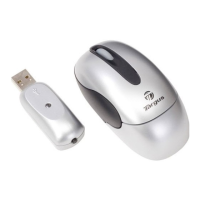
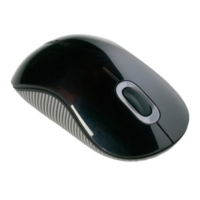
Targus Bluetooth Comfort Laser Mouse
312
Targus Bluetooth Comfort Laser Mouse
313
Initiële Configuratie
Voordat u uw Bluetooth® muis kunt gaan gebruiken, moet u eerst enkele
eerste installatiestappen uitvoeren.
OPMERKING: GEBRUIK ALSTUBLIEFT DE MEEST RECENTE DRIVER VOOR BLUETOOTH APPARATEN.
INSTRUCTIESCHERMEN KUNNEN VARIËREN, AFHANKELIJK VAN DE VERSIE VAN UW BLUETOOTH
APPARAATDRIVER.
fi
Verbinden met Bluetooth-software:
WIDCOMM of Microsoft (Windows XP & Windows Vista)
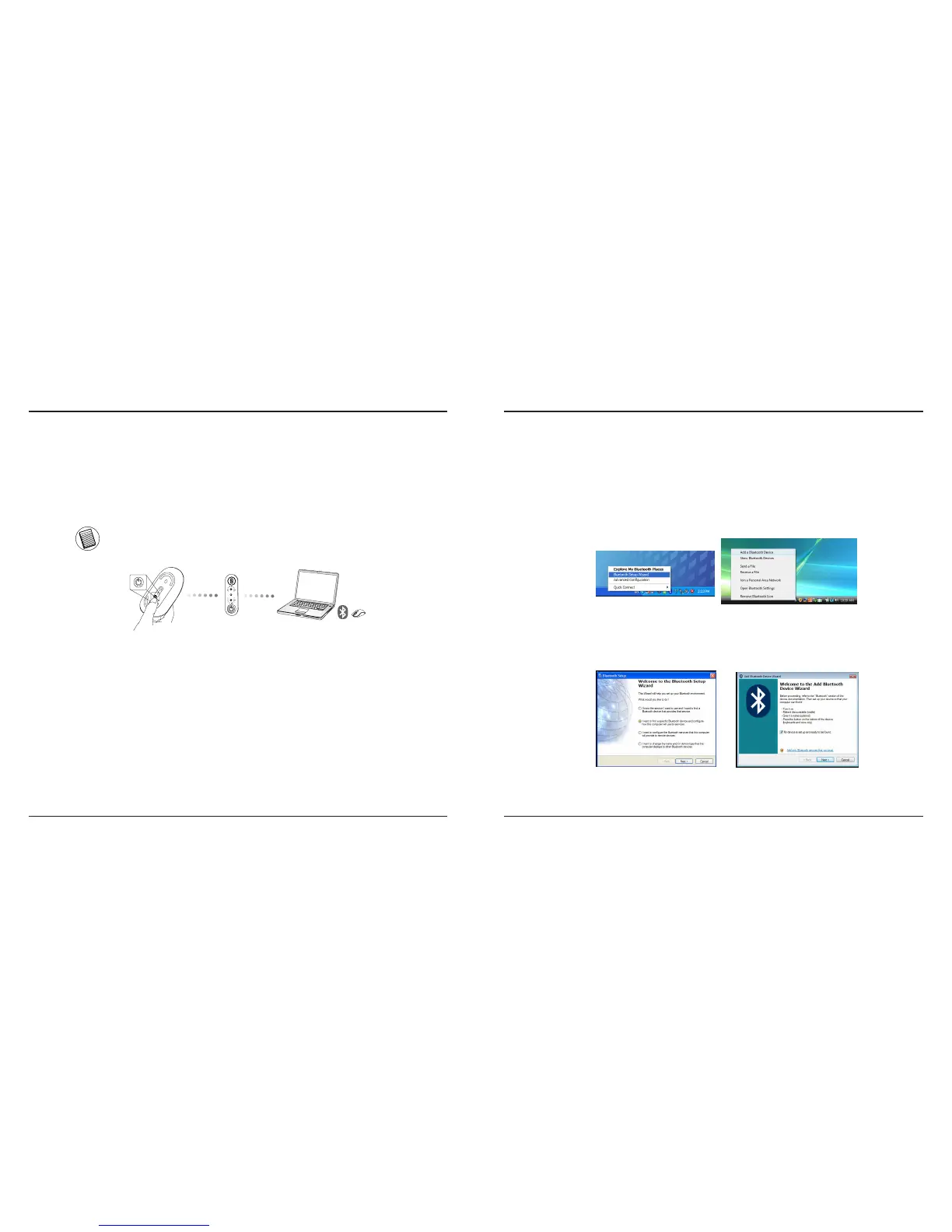
1. Ga naar het icoon Bluetooth Places op uw bureaublad of in de systeemlade en
dubbelklik erop. Klik daarna op “Add a Bluetooth Device” (Bluetooth-apparaat
toevoegen).
(Windows XP)
(Windows Vista)
2. Het venster van de Bluetooth Wizard opent zich op het scherm. Gelieve de
instructies op het scherm te volgen.
(Windows Vista)
(Windows XP)


 To Next Page