Targus Bluetooth Comfort Laser Mouse
92
Targus Bluetooth Comfort Laser Mouse
93
Konfiguration
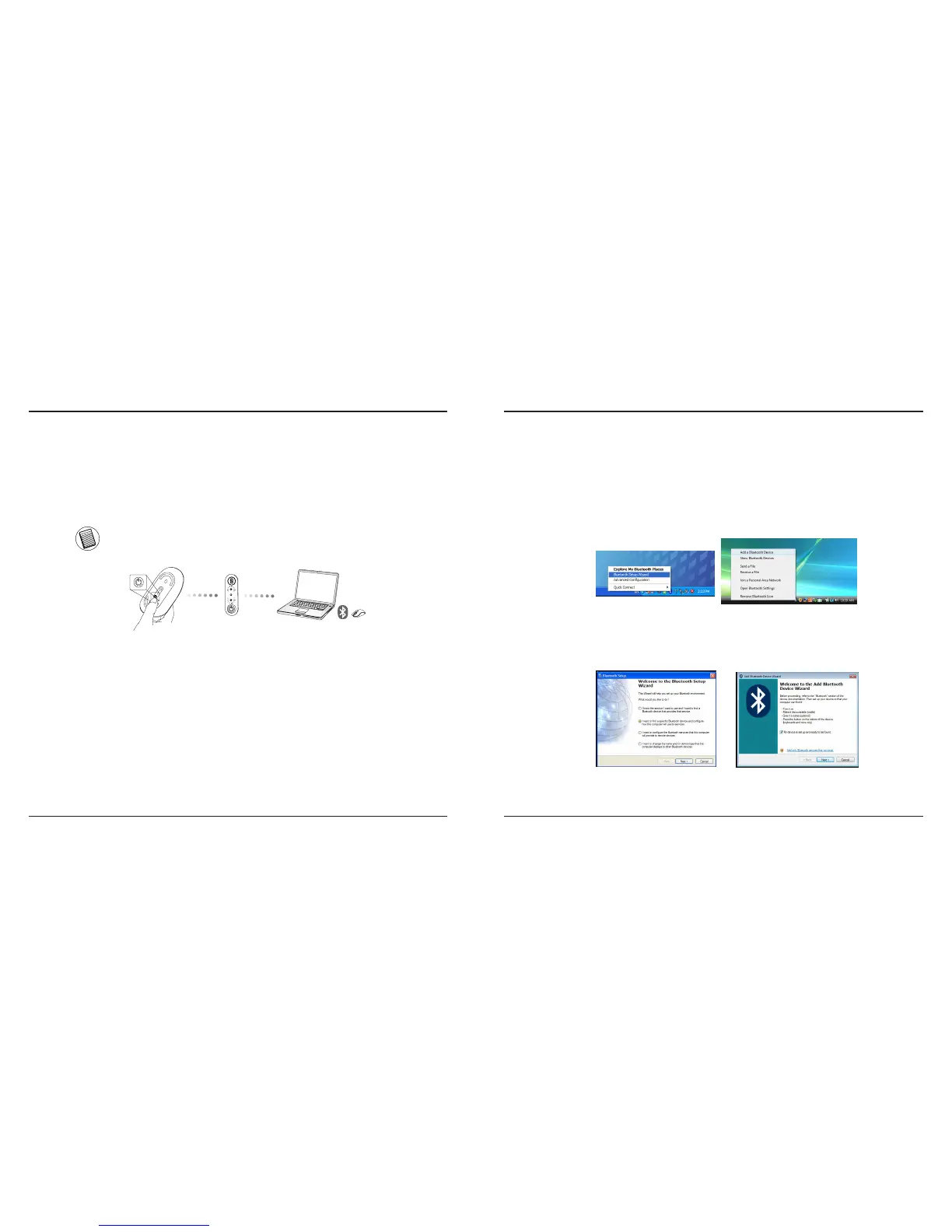
Før du går i gang med at bruge din Bluetooth® mus, skal du først lave et
par indstillinger.
NB: VENLIGST BRUG DEN SENESTE BLUETOOTH DRIVER. INSTRUKTIONERNE PÅ SKÆRMEN KAN VARIERE
ALT EFTER DRIVERENS VERSION.
fi
Forbind med Bluetooth Software:
WIDCOMM eller Microsoft (Windows XP & Windows Vista)
1. Find Bluetooth Steder ikonet på dit skrivebord eller i din systembakke og
dobbeltklik derpå, klik herefter på Tilføj en Bluetooth enhed.
(Windows XP)
(Windows Vista)
2. Bluetooth Installationsskærmen vises. Følg venligst instruktionerne på skærmen.
(Windows Vista)
(Windows XP)



 To Next Page