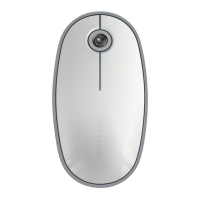
Targus Bluetooth Comfort Laser Mouse
112
Targus Bluetooth Comfort Laser Mouse
113
Esmane konfigureerimine
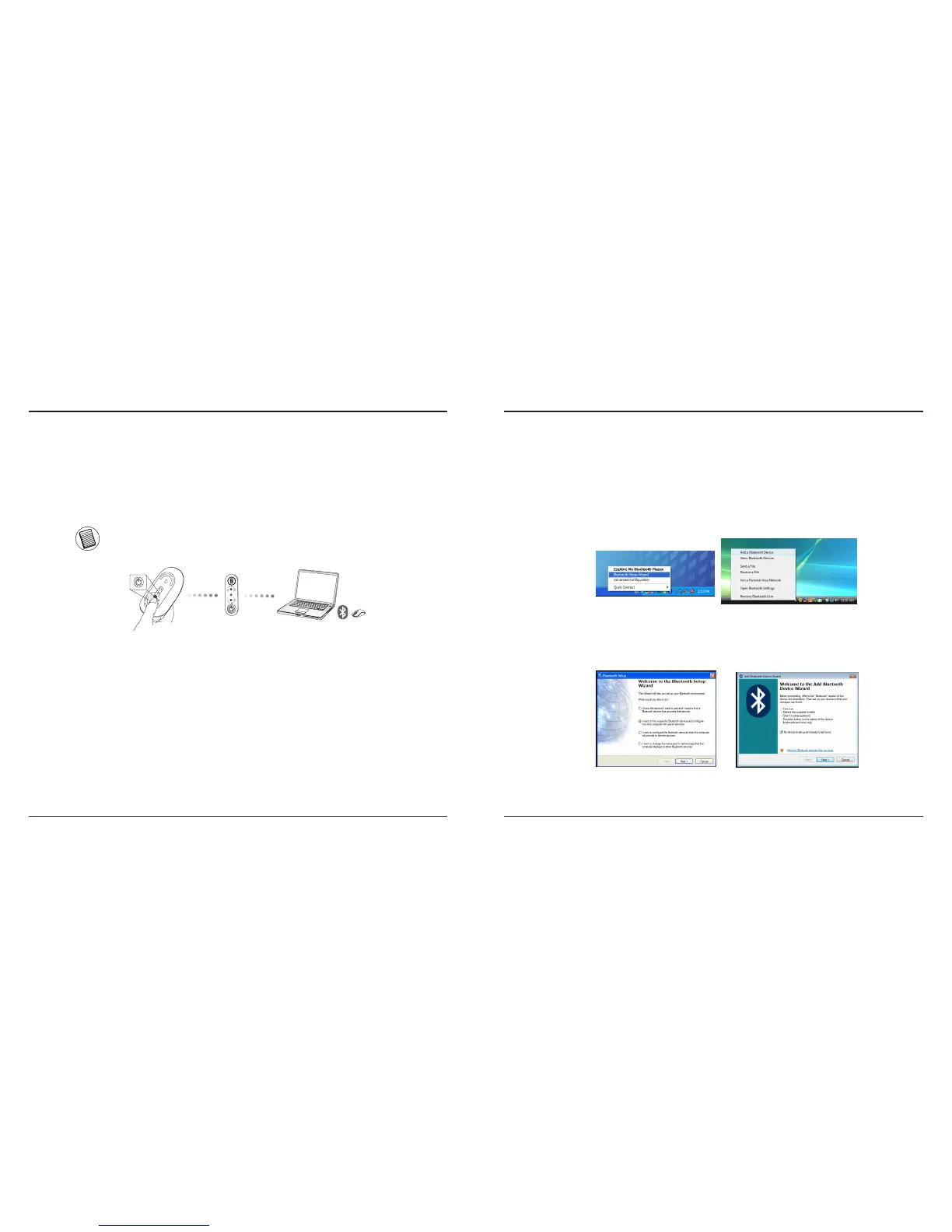
Enne kui asute oma Bluetooth® hiirt kasutama on teil esmalt vaja
teostada mõned esmased seadistussammud.
MÄRKUS: KASUTAGE PALUN KÕIGE VIIMATIST BLUETOOTH SEADME DRAIVERIT. KUVATAVAD
JUHISTEAKNAD VÕIVAD OLLA TEIE BLUETOOTH SEADME DRAIVERI VERSIOONIST SÕLTUVALT ERINEVAD.
fi
Bluetooth tarkvaraga ühendamine:
WIDCOMM või Microsoft (Windows XP & Windows Vista)
1. Topeltklõpsake töölaual või süsteemisalves asuval ikoonil Bluetooth Places,
seejärel valige Add a Bluetooth Device.
(Windows XP)
(Windows Vista)
2. Avaneb Bluetooth viisardi aken. Palun järgige ekraanil toodud juhiseid.
(Windows Vista)
(Windows XP)



 To Next Page