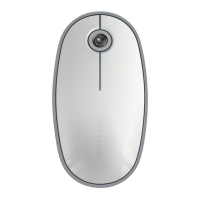
Targus Bluetooth Comfort Laser Mouse
12
Targus Bluetooth Comfort Laser Mouse
13
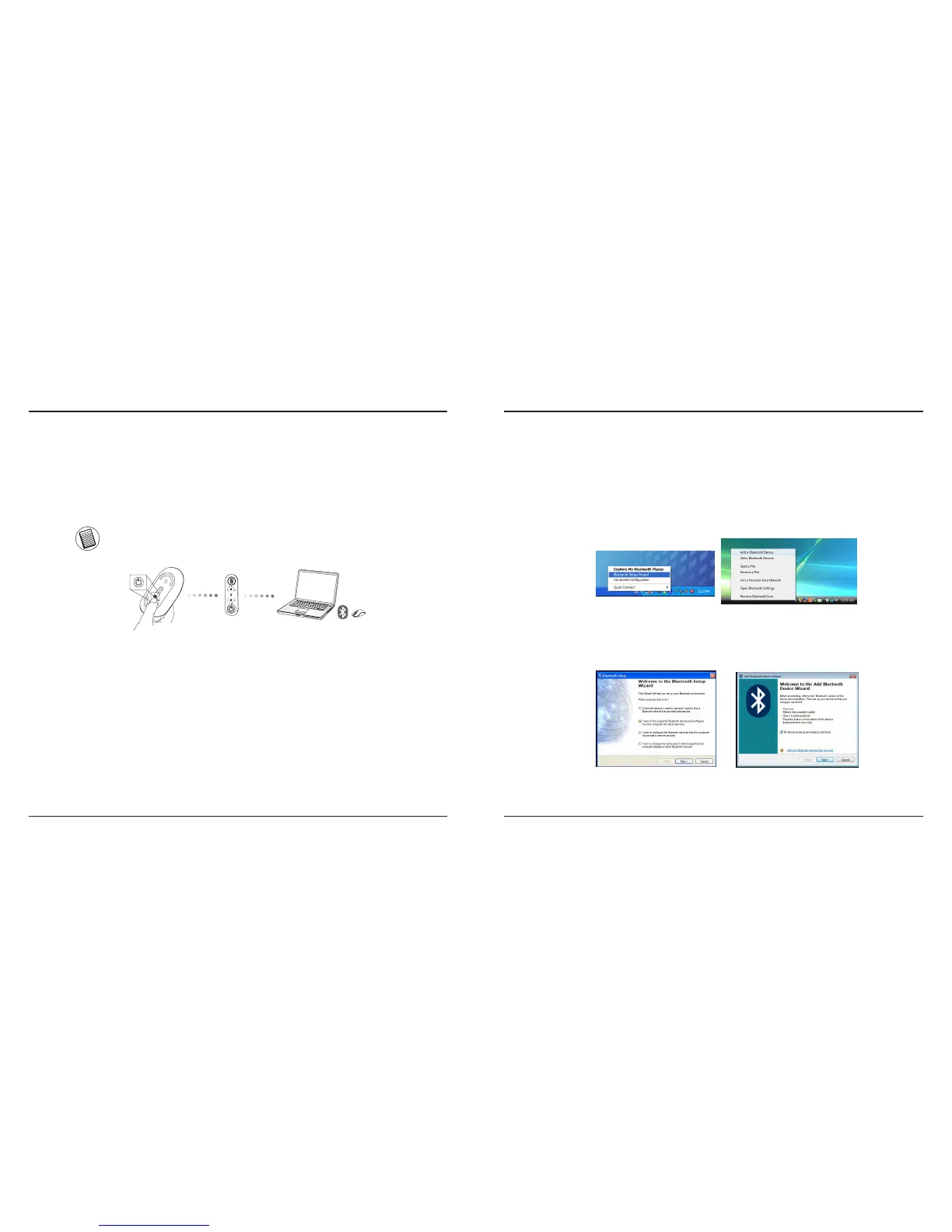
Initial Configuration
Before you can begin using your Bluetooth
®
mouse, you will first need to
perform some initial setup steps.
NOTE: PLEASE USE THE LATEST BLUETOOTH DEVICE DRIVER. INSTRUCTION SCREENS MIGHT VARY
DEPENDING ON THE VERSION OF YOUR BLUETOOTH DEVICE DRIVER.
fi
Connecting with Bluetooth Software:
WIDCOMM or Microsoft (Windows XP & Windows Vista)
1. Go to the Bluetooth Places icon located on your desktop or in the system tray and
double click, then click Add a Bluetooth Device.
(Windows XP)
(Windows Vista)
2. The Bluetooth Wizard screen will prompt. Please follow the onscreen instructions.
(Windows Vista)
(Windows XP)



 To Next Page